1
Magellan_EU03.fm Page 21 Friday, December 3, 2004 2:33 PM
•
•
•
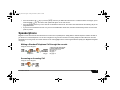
Press and hold the
key or press the [off] action key to disable the alarm clock. To enable the alarm clock again, press
and hold the
key. The alarm clock symbol will appear on the LCD screen.
Press the [stop] action key to turn OFF but not disable the alarm clock. The alarm clock will reactivate the following day at the
programmed time.
If you have not activated the snooze or if you have not disabled the alarm clock, the alarm clock will stay ON for one hour if AC
power is present.
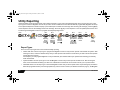
Speakerphone
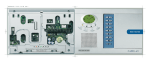
Magellan comes with a feature that transforms the console into a speakerphone. Simply dial the desired telephone number and talk as
you would on a normal telephone. You can also configure the ring tone and volume for incoming telephone calls. When the console’s
speakerphone is being used, the console will emit a tone and key [16] from the center keypad will flash rapidly (see Magellan’s Keypads
on page 8).
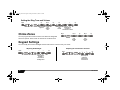
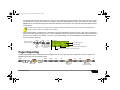
Making a Standard Telephone Call through the console
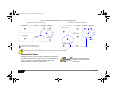
Using the center keypad:
To
hang up
Dial
telephone #*
* When using the center keypad
to dial the telephone number:
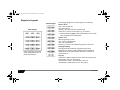
Keys [1] to [9] = 1 to 9
Key [10] = 0
Key [11] = *
Key [12] = #
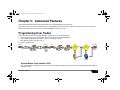
Answering an Incoming Call
Using the center keypad:
To
hang up
Consumer Features
21