1
User Manual
Standalone Mobile DVR
7
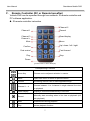
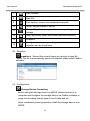
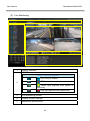
Fast Forward
8
Next File
9
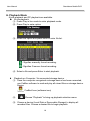
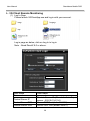
Disk backup, choose the desired backup path
10
Setup, setups related to MDVR
11
Google Map, display map location corresponding to
footage
12
Open document folder and choose desired document
13
Snapshot
14
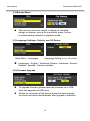
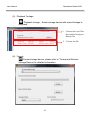
Configuration, Language setting and disk format
selection can be found here
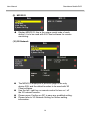
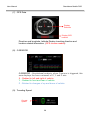
(2). Snapshot
Snapshot: Record the current frame as a picture in bmp file
format.The file is automatically saved in Snapshot folder under CarBox
software.
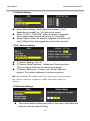
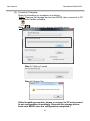
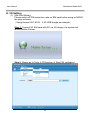
(3). Configuration
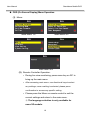
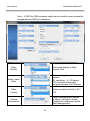
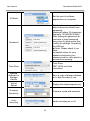
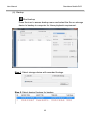
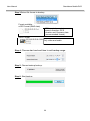
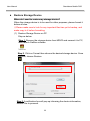
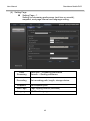
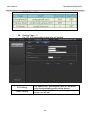
: Storage Device Formatting
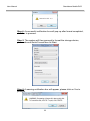
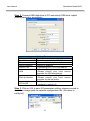
Before using the storage device on MDVR, please connect it to
computer and configure the storage device via CarBox software to
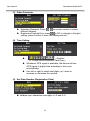
setup the recording format, speed, time & date and etc.
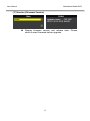
Once completed, please proceed to install the storage device onto
MDVR.
21