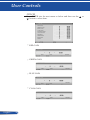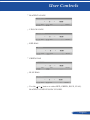
1
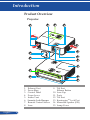
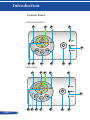
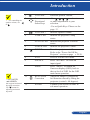
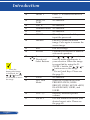
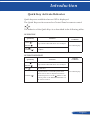
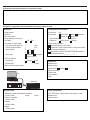
Introduction For controlling the speaker volume, use or . 1 VOLUME - Decrease speaker volume. 2 Four Directional Select Keys -Use , , or to select items or make adjustments to your selection. -Use as Quick Keys. Please see the page 13. 3 VOLUME + Increase speaker volume. 4 LAMP LED Indicate the projector’s lamp status. 5 STATUS LED Indi cate the projector’s various status. 6 POWER LED Indicate the projector’s status. 7 POWER Turn the projector on/off. Refer to the “Power On/Off the Projector” section on page s 29-30. 8 EXIT Press to exit the OSD menu. 9 SOURCE Press “SOURCE” to select an input signal. MENU Press “MENU” to launch the Onscreen display (OSD), back to the top level of OSD for the OSD main menu operation. 11 KEYSTONE Correction Adjust the image to compensate for distortion caused by tilting the projector (vertical ± 40 degrees). 12 ENTER Confirm your section of items in sub menu operation. 6433,6433W and 6430HD. also support horizontal keystone correction. Use button for adjusting horizontal keystone. 9 ... English