1
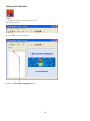
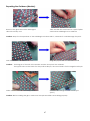
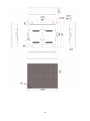
Repairing the Outdoors (Module)
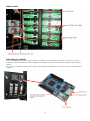
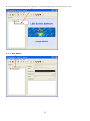
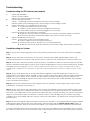
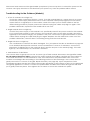
Remove the glue around the damaged
LED with a sharp tool
Take the LED with one hand or a pair of pliers
and hold a soldering iron to solder tin
Caution: Keep the temperature of the soldering iron below 400°C, otherwise it could damage the print.
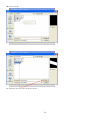
Melt the solder tin and remove it
Plug the proper LED into the hole of PCB
Caution: The long pin of the LED is the anode and the short pin is the cathode.
The upper hole on the PCB is for the positive LED pin, the round hole is for the negative LED pin.
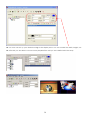
Make sure the LEDs are correctly positioned
Seal the LED with glue of the same type
(PH=7)
Caution: Before sealing the glue, make sure the replaced LEDs are working properly.
47