1
WebCenter
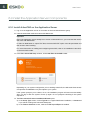
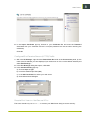
• If you choose Oracle, an additional field for the database SID (System Identifier) is available.
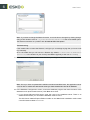
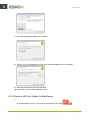
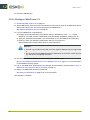
9. Click Install in the Ready to Install the Program screen.
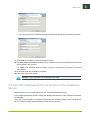
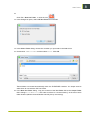
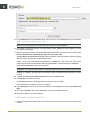
10.The Esko Station Information Service may be installed if this is the first EskoArtwork software
being loaded on the machine.
If it installs, click Continue when it is done, or wait 10 seconds for the process to continue
automatically.
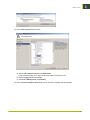
11.Click Finish when the installation completes.
12.If prompted, reboot the system.
Attention: This is important; do not postpone this step!
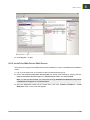
6.4 Run the Database Schema Scripts on the Database
Server
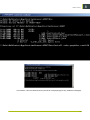
WebCenter comes with a set of batch files that create the database schemas.
Run the appropriate batch file after creating the database but before any other operations that affect
the database.
Every time a new installation or upgrade is performed, the Database Schema script should always
be run. Schema changes are guaranteed for each version and build.
21
6