1
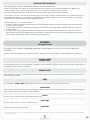
‘PERIPHERALS’ - ‘BUS’ - ‘GEMINO’ PAGE
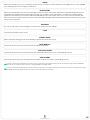
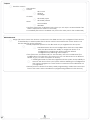
• Set APN in SIM dedicated section
• Set the ports for the GPRS communication
• If you want to reach a Panel through a dynamic DNS service rather
than using IP (DDNS) select "Dynamic DNS Settings'
•Ensure that the network operator provides a public IP address
•Enabling the 'Enable DynDNS' check, fill the related fields to record
the "panel end-point on GPRS" at a server which provides the
dynamic DNS service.
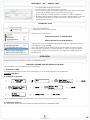
‘SCENARIOS’ PAGE
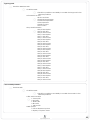
•Group events by kind
• Open the 'Other Events' branch
There are two new events:
Remote Assistance on GPRS Enabled
Remote Assistance on GPRS Disabled
These events can be programmed and as such you can bind to them
SMS and/or e-mail sending.
Upon the 'Enabled' event the body of the message or email contains
the IP address obtained on GPRS channel. In case you log the device
on a DynDNS server it is not necessary to program the SMS except for
confirmation.
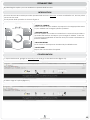
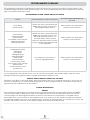
OPERATION
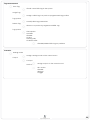
Remote Assistance operation consists of 5 logical blocks:
ENABLING/OPENING SUPPORT SESSION BY THE USER
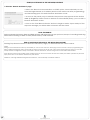
This operation can be performed in several ways:
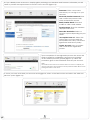
1. Activation by SMS:
The SMS body should contain: (user code)(M/m) 1, no spaces between text characters.
Example: 147258m1
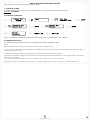
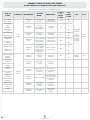
2. Activation by Keypad:
Upon completion will display the Remote Assistance status in the first row of the display.
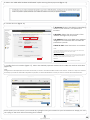
3. Enabling by Protocol
For third-party applications that want integrate themselves with lares Panels.
lares
programming manual
54