1
// Aquaris X5
Complete User Manual - English
Getting Started
Switching the Device On and Off
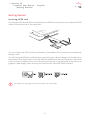
To switch on your Aquaris X5, press and hold down the power button for a few seconds,
which is located on the side of the smartphone.
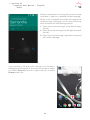
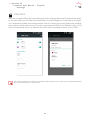
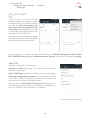
If you have inserted two nano-SIM cards into your device, you will need to enter the pin for
each card when you switch it on. Every time your Aquaris X5 detects a new SIM, a pop-up
window will appear informing you of the default settings for making phone calls, video
calls, SMS and the data connection.
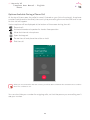
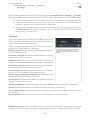
To switch off your device, hold down the power button for a few seconds. A menu will
appear with various options. Select Power off.
If you press briefly on the power button, the screen will switch off but not the device.
11