1
// Aquaris X5
Complete User Manual - English
Desktop
Notifications Bar
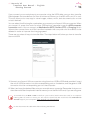
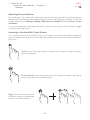
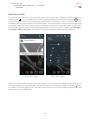
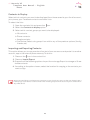
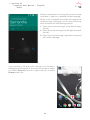
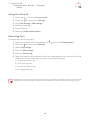
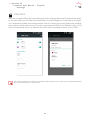
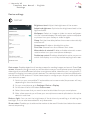
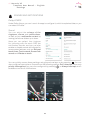
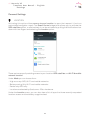
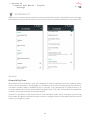
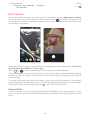
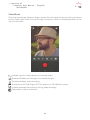
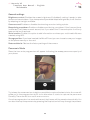
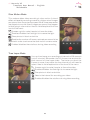
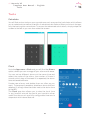
To view your notifications, pull the bar down with one finger. Delete all notifications by
icon, or delete them individually by swiping it to the side. Using the
icon,
pressing the
you can access the other quick settings and the multi-user option. You can also access this
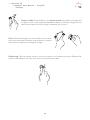
screen by pulling the bar down with two fingers. The notifications and quick settings have
now been integrated into one screen. To receive notifications, you will need to configure
the settings of each app that you download and/or for each account by going to: Settings >
Accounts > Add an account. To go back to the Home screen, slide the bar upwards.
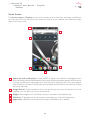
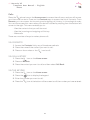
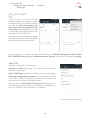
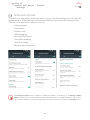
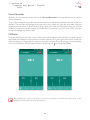
Swipe with 1 finger
Swipe with 2 fingers
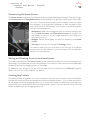
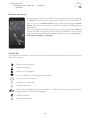
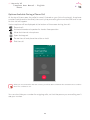
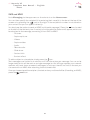
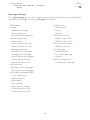
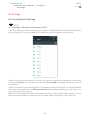
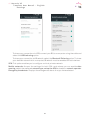
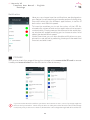
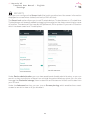
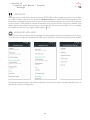
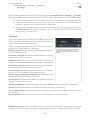
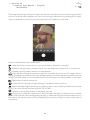
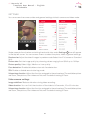
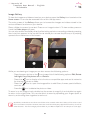
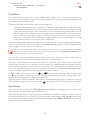
When you slide the bar down with two fingers, a list of options appears providing quick
icon
and easy access to many settings. Set which options to display or hide using the
situated in the top right corner. Some of the options which are hidden by default will be
explained in more detail later.
21