1
// Aquaris X5
Complete User Manual - English
Apps
Apps
Play Store
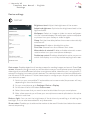
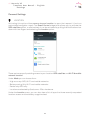
The App store gives you access to a huge range of programs, games, music, movies, books,
and more. Each category contains further sub-categories to help you find exactly what you
are looking for.
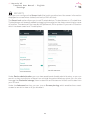
Important: Be aware that not all downloads are free, and additional costs may be incurred. For paid
downloads, the price will appear next to app description, and you will be asked to confirm before
downloading to avoid being charged unintentionally.
Apps from Unknown Sources
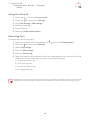
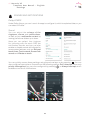
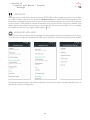
To order to download apps from another app store or a website, you will first need to configure
the system to accept apps installed from unknown sources. Go to Settings > Security and move
the Unknown sources slider to the right. Remember to only install apps from trusted sources.
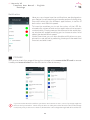
To install apps from outside a website, you must be able to access the *.apk file on your
device. These types of apps have often been compressed using a program such as
WinRAR, which means the downloaded file is a *.rar file and will need to be unzipped using
a computer, or an Android file management program such as File Manager (already installed
on your device).
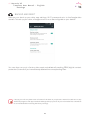
On opening the *.apk file, the system will ask you to confirm installation of the app. After
pressing Accept, the app will be installed.
62