1
Chapter 2 – The Stick Figure Builder
Saving stick figures
Introduction
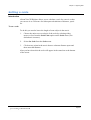
Once you have made a stick figure you will want to save it into a location
on the hard drive where you can easily find it again. It is a good idea to
have one folder that contains all your stick figures located in the
siliconCOACH Digitiser folder.
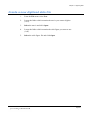
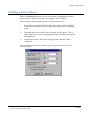
To save a stick figure
1.
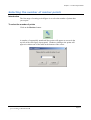
From the File menu select Save.
2.
Locate the folder in which you wish to store the stick figure.
3.
Enter the filename.
4.
Click Save.
Note:
¾ The stick figure will be lost if you do not save it to a file.
Page 19