1
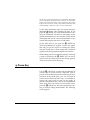
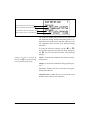
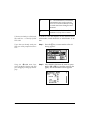
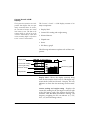
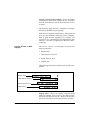
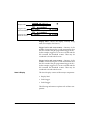
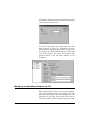
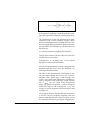
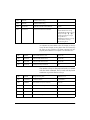
ment number or record was affected by the action. The
third part displays what caused the log (Key, I/O,
Timer, Battery (low), Intv (auto-stop), Logic, and Calibration).
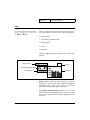
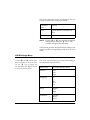
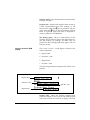
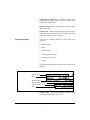
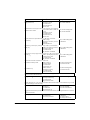
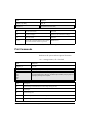
Status - Represents the state of the instrument (as
described at the beginning of this section).
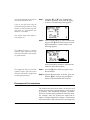
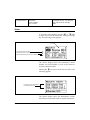
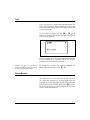
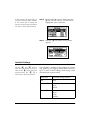
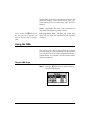
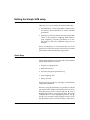
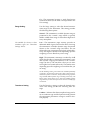
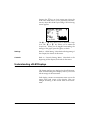
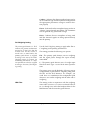
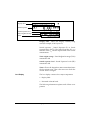
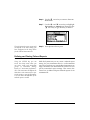
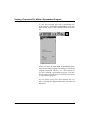
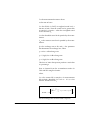
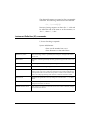
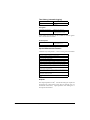
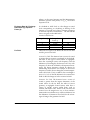
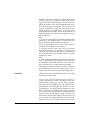
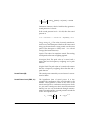
In this example, the sRUN/STOP
key was pressed at 18:11:02 and
again at 18:11:45, both on 24 Sept.
1996.
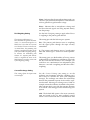
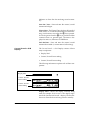
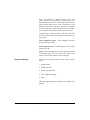
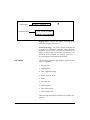
Run Log Action Time - The Run Log Action Time
shows the day, date, and time that the run log action
occurred.
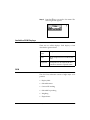
Using the OBA
This section gives a step by step example of a possible
scenario using the OBA instrument. In this scenario,
you will select the Octave OBA instrument and take 3
measurements. You will then view the results of these
three measurements.
Simple OBA Scan
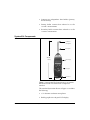
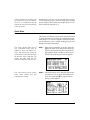
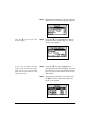
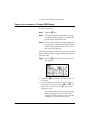
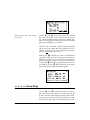
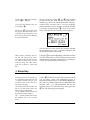
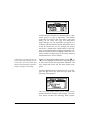
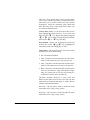
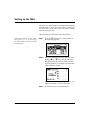
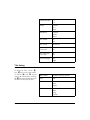
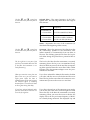
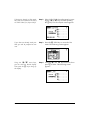
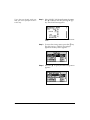
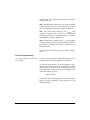
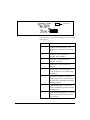
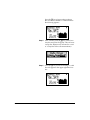
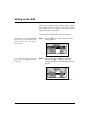
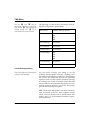
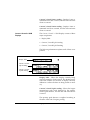
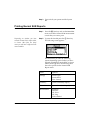
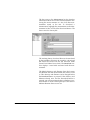
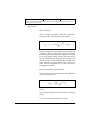
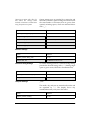
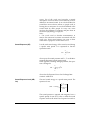
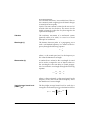
Step 1 Press the S SETUP key. A menu similar to
the following appears:
1/23/98
OBA Octave Band Analyzer
3-23