1
Defining Parameters of the FM 353
5.2
Getting started with “Parameterize FM 353”
Prerequisites
You have installed the software on your programming device/PC, as described in Section 5.1.
Configuration
Before you can configure your system, you must create a project in which to
save the parameters. You will find further information on how to configure
modules in your user manual Standard Software for S7 and M7, STEP 7. The
description below outlines only the most important steps.
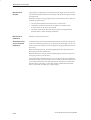
1. Start the SIMATIC Manager and open your project.
2. Insert a SIMATIC 300 station in the menu Insert " Station.
3. Select the SIMATIC 300 station. Call up the S7 hardware configuration
from the menu Edit " Open Object.
4. Select a rack and assign it.
5. Select the FM 353 positioning module with the correct order number from
the module catalog, and insert it in the hardware table as appropriate for
your configuration.
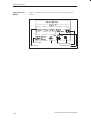
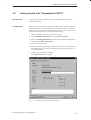
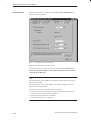
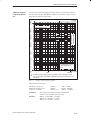
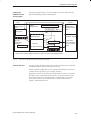
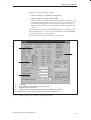
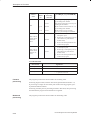
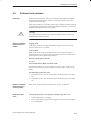
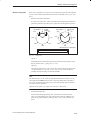
6. Double–click a module to configure it.
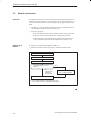
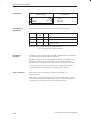
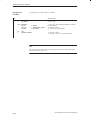
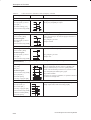
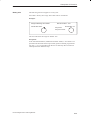
The Properties dialog box appears.
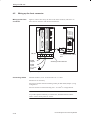
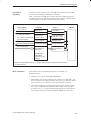
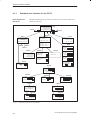
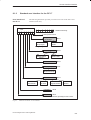
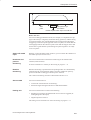
Fig. 5-2
FM 353 Stepper Drive Positioning Module
Getting started with “Parameterize FM 353”
5-3