1
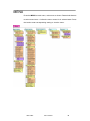
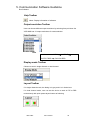
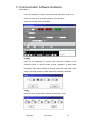
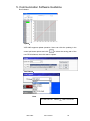
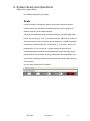
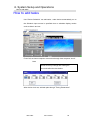
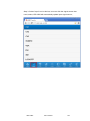
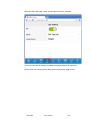
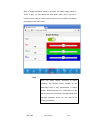
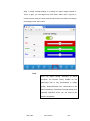
In PIP mode, the default image1 is the main image, image2 for PIP sprite,
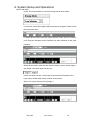
click the corresponding image when need to edit image1 or image2 , the
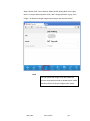
selected image with blue stripes, tick, as shown below: image2 is selected,
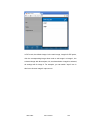
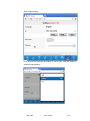
all settings will for image 2. For example, you can switch "Input" icon in
title bar to choose image 2 input source.
VSP 628S
User Manual
105