1
Page 128
Epson Research and Development
Vancouver Design Center
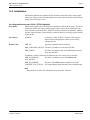
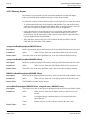
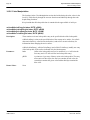
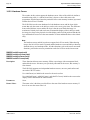
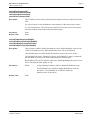
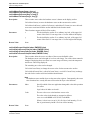
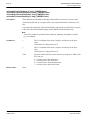
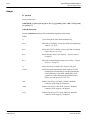
void seDisplayEnable(BOOL Enable)
void seLcdDisplayEnable(BOOL Enable)
void seCrtDisplayEnable(BOOL Enable)
void seTvDisplayEnable(BOOL Enable)
Description:
These functions enable or disable the selected display device.
seDisplayEnable() enables or disables the display for the active surface.
seLcdDisplayEnable() enables or disables the LCD display.
seCrtDisplayEnable() enables or disables the CRT display. seCrtDisplayEnable() will disable CRT/TV PCLK 2X clock and as a side effect will disable TV, if the TV was enabled.
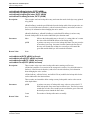
In addition, seCrtDisplayEnable(), when enabling the CRT, sets the TV PAL/NTSC bit to
0 (required for CRT mode).
seTvDisplayEnable() enables or disables the TV display. If the CRT is enabled then
seTvDisplayEnable() disables it. When seTvDisplayEnable is called, the TV flicker filter
is enabled or disabled based on the values saved by the configuration program.
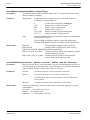
Parameters:
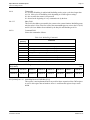
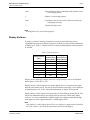
Enable
Return Value:
None.
S1D13806
X28B-G-003-07
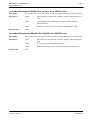
Call with Enable set to TRUE to enable the display device. Call with
Enable set to FALSE to disable the device.
Programming Notes and Examples
Issue Date: 02/02/21