1
D-Link DSL-7850U VDSL2 Router User Manual
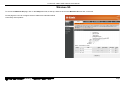
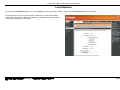
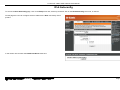
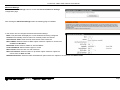
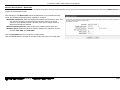
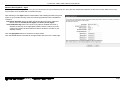
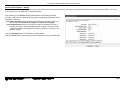
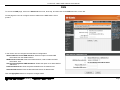
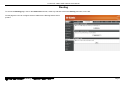
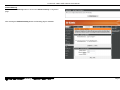
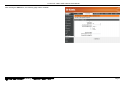
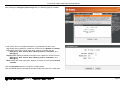
Wireless Security Mode – Mixed WPA2/WPA-PSK
Wi-Fi Protected Access (WPA) is a more advanced wireless security method that we can use to prevent unautherized wireless access to this router. Wi-Fi Protected
Access (WPA2) is the most advanced wireless security method that we can use to prevent unautherized wireless access to this router. This option allows us to have both
WPA and WPA2 available for client connectivity.
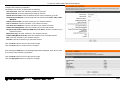
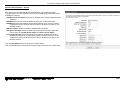
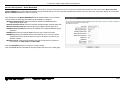
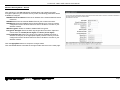
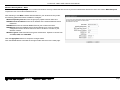
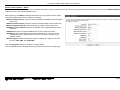
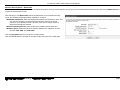
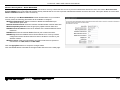
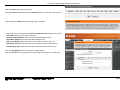
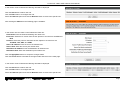
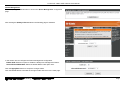
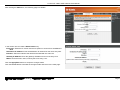
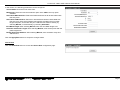
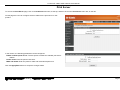
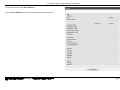
After selecting to use Mixed WPA2/WPA-PSK network authentication as your
wireless security mode, the following parameters will be available to configure:
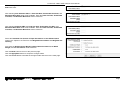
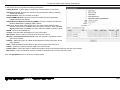
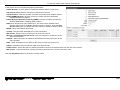
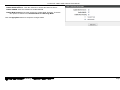
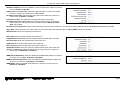
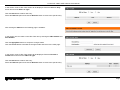
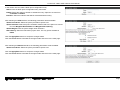
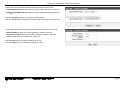
WPA/WAPI passphrase: Enter the WPA2/WPA-PSK wireless Pre-Shared Key
here. This key must be configured on all the wireless clients for them to be able
to connect to your wireless network. Click the ‘Click here to display’ option to
display the pass-phrase entered.
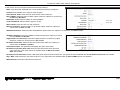
WPA Group Rekey Interval: Enter the group key update interval value here.
WPA Encryption: Select the WPA2 encryption method here. Options to choose
from are TKIP, AES, and TKIP+AES.
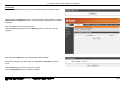
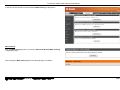
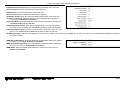
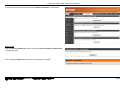
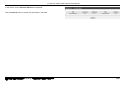
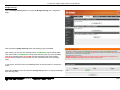
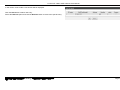
Click the Apply/Save button to accept the changes made.
Click the Cancel button to discard the changes made and return to the main page.
錯誤!
常用]
錯誤 使用 [常用
常用 索引標籤將 Heading 1 套用到您想要在此處顯示的文字。
套用到您想要在此處顯示的文字。
Page 69