1
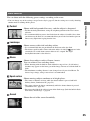
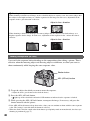
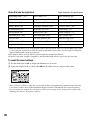
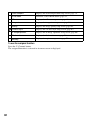
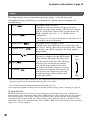
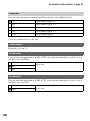
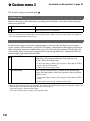
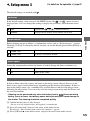
For capturing the skin color in a soft tone, ideally suited to
capturing portraits.
(Landscape)
The saturation, contrast, and sharpness are heightened for
capturing vivid and crisp scenery. Distant landscapes also
stand out more.
(Sunset)
For capturing the beautiful red of the setting sun.
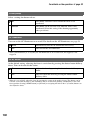
(Night view)
The contrast is attenuated for capturing a nightscape that is
more faithful to the real view.
(Autumn leaves)
For capturing autumn scenes, vividly highlighting the red and
yellow of coloring leaves.
(B/W)
For capturing images in black and white monotone.
(Sepia)
For capturing images in sepia monotone.
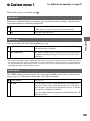
Using the shooting functions
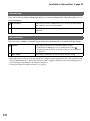
(Portrait)
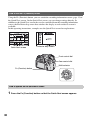
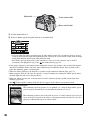
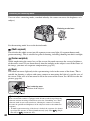
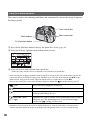
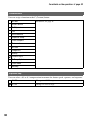
Basic operation
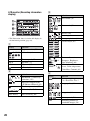
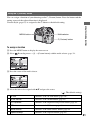
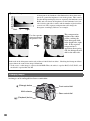
Front control dial
Multi-selector
Rear control dial
Fn (Function) button
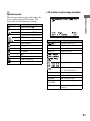
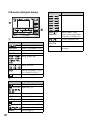
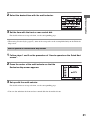
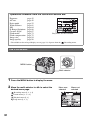
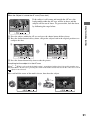
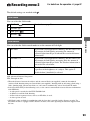
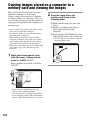
1 Press the Fn (Function) button to display the Quick Navi screen (page 30).
• When the enlarged display screen is used (page 23), you cannot display the Quick Navi screen. In this
case, set up from the menu.
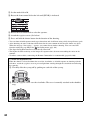
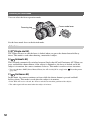
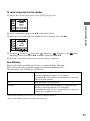
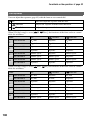
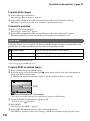
2 Select a Creative Style item with the multi-selector.
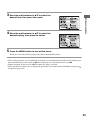
• If you do not make adjustments on contrast, etc., you can make other settings from this menu using
the front or rear control dial.
69