1
4
Completing System Installation
Feature Test Script Package
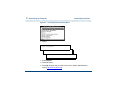
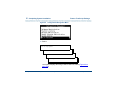
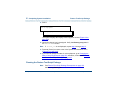
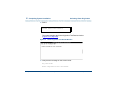
12 Select:
>Voice Equipment
Display Equipment
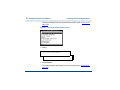
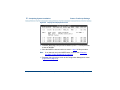
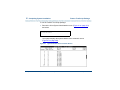
The system displays the Display Voice Equipment screen (Figure 64 on
page 216).
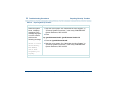
13 Check the channel you just assigned. Verify that feature_tst appears in
the SERVICE-NAME column.
Note:
If feature_tst is not displayed, repeat step 4 through step 13.
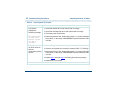
14 Press F6 (Cancel) to return to the Voice System Administration menu
(Figure 61 on page 210).
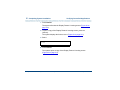
15 If you need to change the state of voice equipment, go to Changing the
State of Voice Equipment on page 222, otherwise, continue with Running
the Feature Test Script Package on page 219.
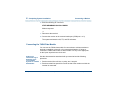
Running the Feature Test Script Package
Note:
See Feature Test Script Package Prerequisites on page 213
before using feature_tst.
Intuity™ CONVERSANT® System Version 7.0 New System Installation 585-313-106
Issue 3 January 2000 219