1
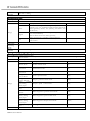
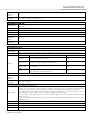
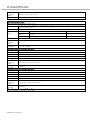
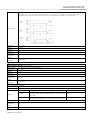
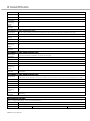
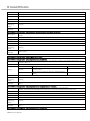
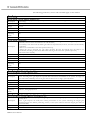
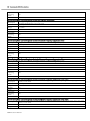
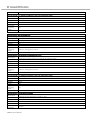
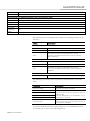
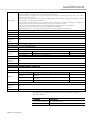
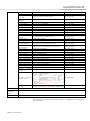
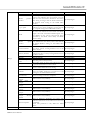
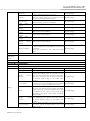
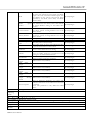
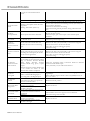
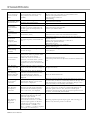
Parameter
[Ft-5.15], [Ft-5.16]
Range:
1 ~ 99999
Default:
500
Units:
Applicable
Operating
Mode:
When Enabled
Units depend on the channel selection.
All
Immediately
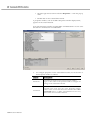
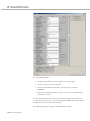
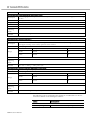
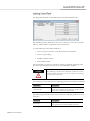
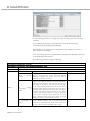
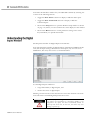
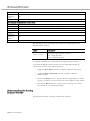
No status is displayed for an CSD5 drive in the Analog Outputs window.
No Special commands are associated with the Analog Outputs window.
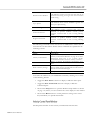
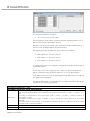
Customize the Analog Outputs window for your CSD5 Drive branch by
selecting one or more of the following buttons:
• Toggle the Show Status selection to display or hide the Status pane.
• Toggle the Show Commands selection to display or hide the
Commands pane.
• Click on the Setup button to open the Monitor Setup window as shown
on page 112, where you can customize the status display for this window.
• Click on the Revert button to return parameter settings to the values
they held when you opened this window.
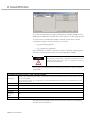
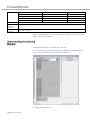
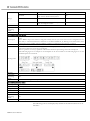
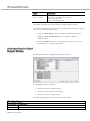
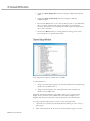
RSWare's Monitor tool lets you select and display all or any combination of
drive statuses for a selected CSD5 on-line drive. The Monitor tool works just
like the status pane of a branch's Properties window.
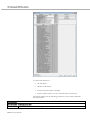
Use this window to:
• View a collection of statuses.
• Open the Monitor Setup window, where you can select the collection of
statuses to display in this window.
• Load a monitor previously saved.
• Save a monitor for later use.
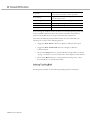
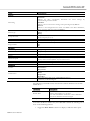
This window has the following commands:
RSWare User Manual