1
Load Data
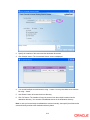
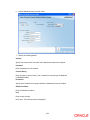
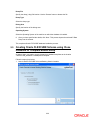
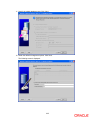
Check this box.
Load Static Data
Check this box.
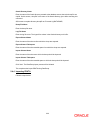
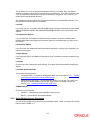
7. Click ‘Next’. The Installer will execute all INCs. Further, it will execute the basic setup
procedures.
2.4.2 Basic Setups
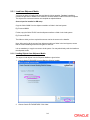
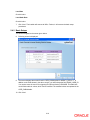
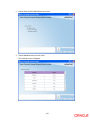
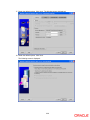
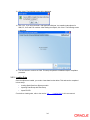
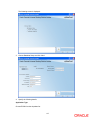
You will be navigated to the screen given below.
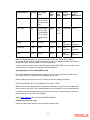
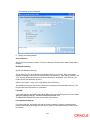
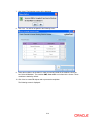
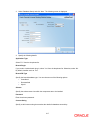
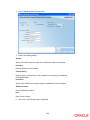
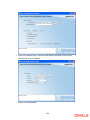
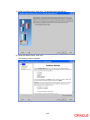
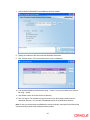
8. Following screen is displayed:
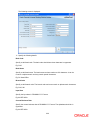
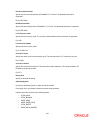
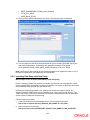
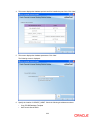
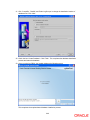
9. The screen displays the entries found in CSTB_PARAM table for MODIFY_FIELD=‘Y’. In
addition to the fields shown in the above screen, you will find another field ‘ELMS_USER_ID’.
You need to enter the user ID for triggering ELCM from Oracle FLEXCUBE. This table lists
out all fields and their values, which can be modified. The modified values are updated in the
CSTB_PARAM table.
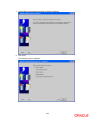
10. Click ‘Next’.
2-19