1
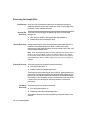
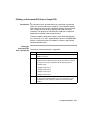
Making an Instrument File from a Sample File
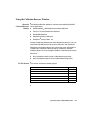
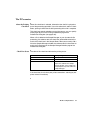
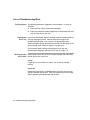
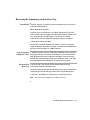
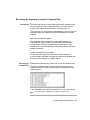
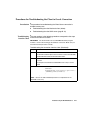
Introduction An instrument file can be made from matrix standards as explained
above, or it can be made from a sample file. This procedure requires
fewer steps than running matrix standards; however, the matrix made
from a sample file may not be as good as one made from matrix
standards. The quality of an instrument file made from a sample file
depends on the quality of the sample file used.
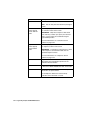
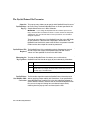
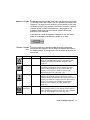
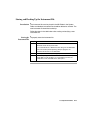
The best samples to choose for making a matrix have approximately
25% each of A, C, G, and T. A good example of this is the pGEM DNA
with the –21M13 primer that is included as a control in every Ready
Reaction Sequencing Kit.
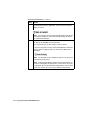
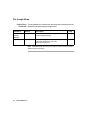
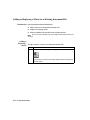
Making the
Instrument File
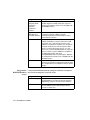
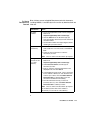
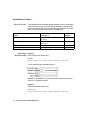
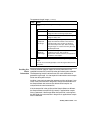
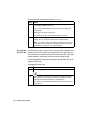
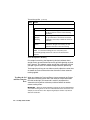
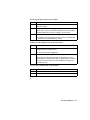
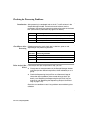
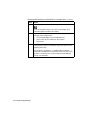
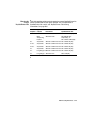
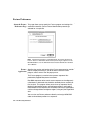
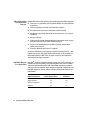
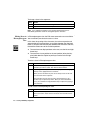
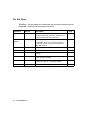
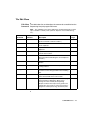
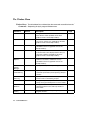
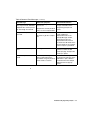
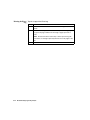
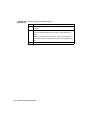
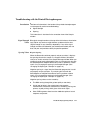
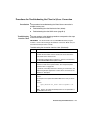
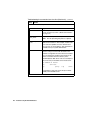
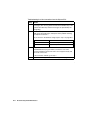
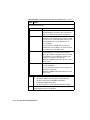
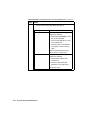
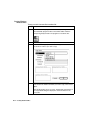
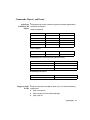
To create an instrument file from a sample file:
from a Sample File
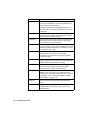
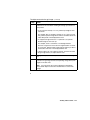
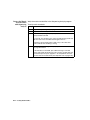
Step
Action
1
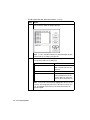
Before making the matrix, verify that lane tracking is accurate.
Adjust if necessary.
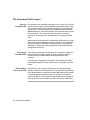
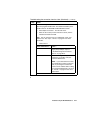
2
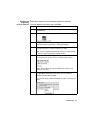
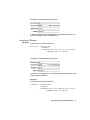
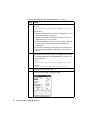
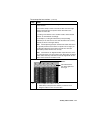
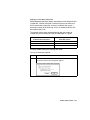
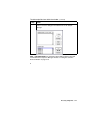
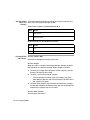
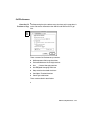
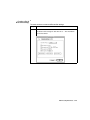
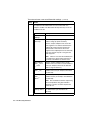
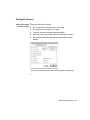
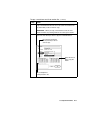
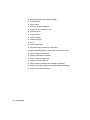
Duplicate the unanalyzed sample file four times. Use the Duplicate
command from the File menu in the Finder. You will have a total of
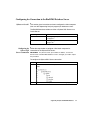
four copies of the same sample file with the following names:
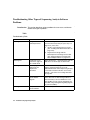
♦ Sample name
♦ Sample name Copy 1
♦ Sample name Copy 2
♦ Sample name Copy 3
♦ Sample name Copy 4
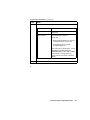
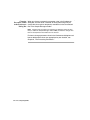
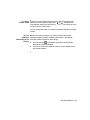
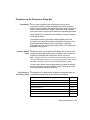
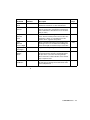
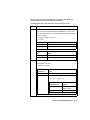
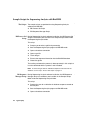
3
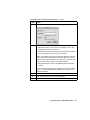
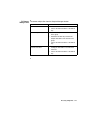
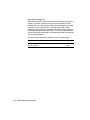
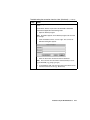
These four sample file copies can now be used in the same way as
the four matrix standard samples. The same instructions can be
used with these four samples as with the four matrix standard
samples.
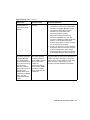
Creating Instrument Files E-23