1
HD All-in-one DVR User Manual
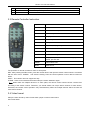
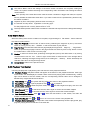
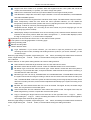
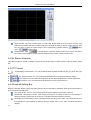
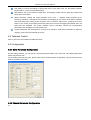
Open Preview: Click left mouse button to select the target channel in the preview window (red
channel box means selected). Double-clicking the channel number by mouse in the channel open
box can open or close the video image of the corresponding preview window.
open,
means
means close.
Preview Mode: Click
or double-click the preview window screen by mouse in the switch
box under preview mode to switch between single-screen or multi-screen preview mode.
4.2 Bit Stream Selection
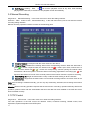
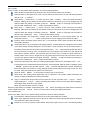
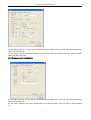
This device supports double bit stream. Choose the bit stream type of video preview in the bit stream select
box.
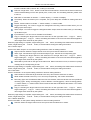
4.3 PTZ Control
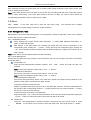
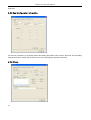
A.
PTZ direction control button. You can control the PTZ operation direction by the up, down, left, right
button.
B.
The aperture button. You can control the PTZ aperture by enlarge and diminish button.
C.
Focus button. You can control the PTZ focus by the farther adjustment or nearer adjustment.
D.
Zoom button. You can control the PTZ position by zoom out and zoom in.
4.4 Advanced Setting Box
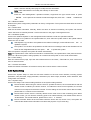
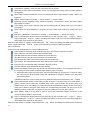
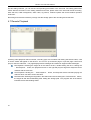
When the preview window opens the video preview, this function will be activated. Click right mouse button to
open the advanced setting box.
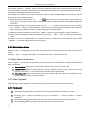
Turn on/off Audio: Turn on or turn off the audio of the previewing by this button channel.
Screenshot: Capture the current video image and save it as image format. For the settings of
directory storage, please refer to the figure 1-5-5 video screenshot directory storage.
Recording/Turn off Recording: Turn on/off the remote recording of the video of this channel and save
this recording. For the settings of directory storage, please refer to 1.5.5 video screenshot directory
storage.
21