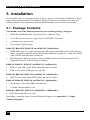
1
SERVICE SETUP
4.
Service Setup
For most applications, you shouldn't need not to make any adjustments to set up your
DVXi/ET KVM -Extender. Under some special circumstances it could be necessary to setup
configuration specials.
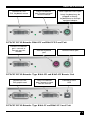
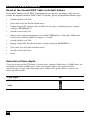
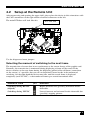
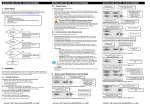
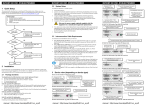
For some applications, you may need to open the Local Unit and/or the Remote Unit.
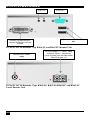
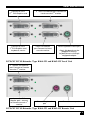
Unscrew the Philips-type screws at both sides at the bottom of the device. Unscrew the UNC
type screws at both sides of the monitor connectors. Carefully displace the lower and upper
shells of the case.
Fastening
screw on the
bottom of the
device
Fastening
screw on the
bottom of the
device
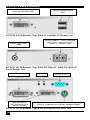
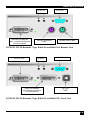
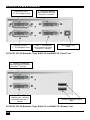
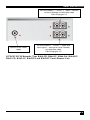
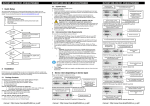
The diagnostice LED ‘Video OK’ is located at the local unit between the both DVI
connectors
Diagnostic LED
Video OK
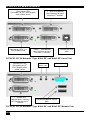
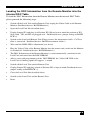
The diagnostice LED ‘Video OK’ is located near to the CATx- /fiber connectors
Diagnostic LED
Link Status
(CATx)
Diagnostic LED
Link Status
(Fiber)
27