1
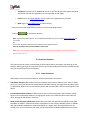
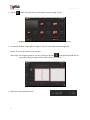
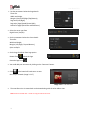
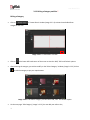
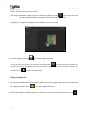
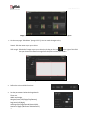
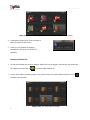
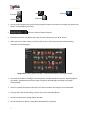
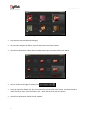
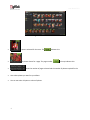
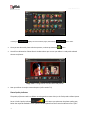
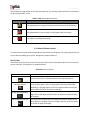
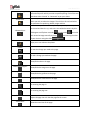
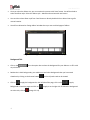
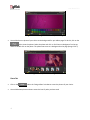
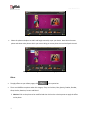
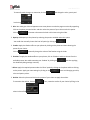
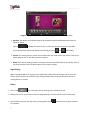
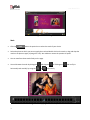
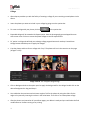
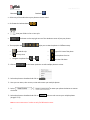
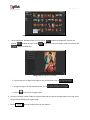
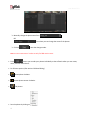
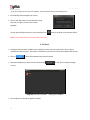
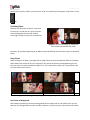
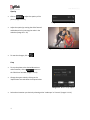
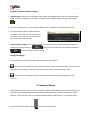
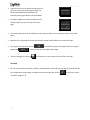
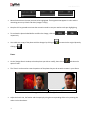
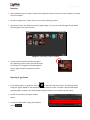
User Manual-5.0 ‘Ref. Image’: The image you want for your Category, clicking on the icon to the right of this field lets you choose the reference image from the path in which you saved it. ‘Description’: Give a description of the category you are creating. Image 3.2.1.3: The ‘Create Category’ window Click , on the lower right-hand corner to save the category you created (Image 3.2.1.4). Image 3.2.1.4: The New Category created ! Leaving either the ‘Name’ or the ‘Ref. Image’ field blank will not allow you to save the Category. The new category is created and can be viewed along with the predefined categories. ! At any point during the process, you could click on the back button to go back to the previous window. On clicking this button, you are offered the chance to save/not save your changes or cancel the ‘Back’ command. You could also click on to go back to the home page. Creating an Album Size To view the Album sizes under a category, double click on the category. Alternatively, you could select the category and then click on 19 in the lower right-hand corner.