1
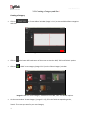
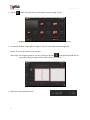
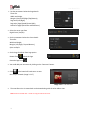
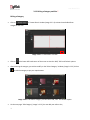
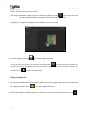
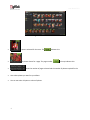
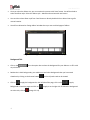
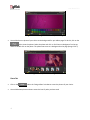
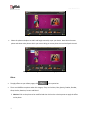
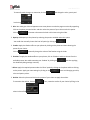
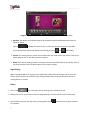
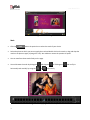
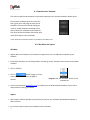
User Manual-5.0 4.2 Customize Your Template This section explains how templates can be saved, imported, built, shared or deleted in Album Xpress. The versatility of Album Xpress lies in the fact that it gives you a wide range of ready-to-use templates to choose from besides letting you create or modify templates according to your choice. Moreover, templates can be imported from other locations and built and shared* with other Album Xpress users worldwide. ! Save, Build, Share and Delete options are available in the PRO version. 4.2.1 Get More and Import Get More DgFlick adds new templates on the website on regular basis. You can add these templates to your software. To Get More templates, on the ‘Design Album’ window, go to the ‘Template’ tab to access the templates of Album. Click on ‘Galleria’. Click on Button (Image 4.2.1.1) to access more templates from the DgFlick website. Image 4.2.1.1: The ‘Get More’ button on the template tab You are now routed to www.dgflick.com, from where you can download the templates of your choice and proceed to creating your Album. Import Album Xpress software provides you the facility to use your own created or downloaded templates in Album creation. For that you need to import your templates into the software. 70