1
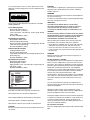
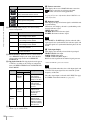
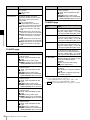
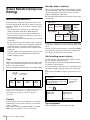
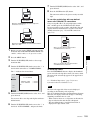
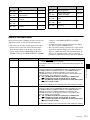
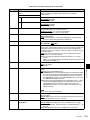
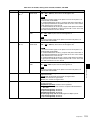
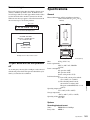
C0001.MXF
7
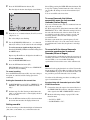
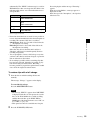
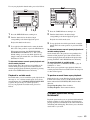
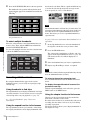
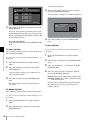
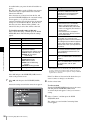
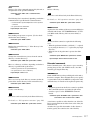
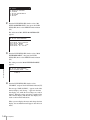
Turn the PUSH SET(S.SEL) knob to select “title”, and
press the knob.
8
Press the SAVE function (F5) button.
The same name will now be given to newly recorded
clips.
TITLE00001
When the “AUTO NAMING” sub item of setup menu
item 036 is set to “C****”
TITLE00001.MXF
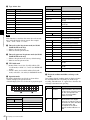
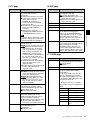
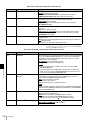
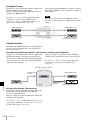
To use clips and clip lists with user-defined
names over FAM and FTP connections
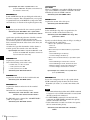
Carry out steps 2 to 5 of “To assign clip names on this
unit”, and then press the SAVE function (F5) button.
It is now possible to write, transfer, and rename clips and
clip lists with user-defined names over file access mode
(FAM) connections (page 110) and FTP connections
(page 113).
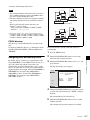
TITLE00001
Fuji.MXF
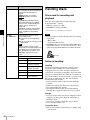
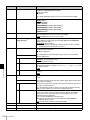
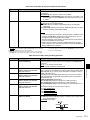
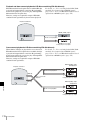
When the “AUTO NAMING” sub item of basic menu item
036 is set to “title”
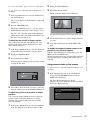
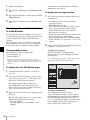
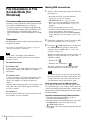
1
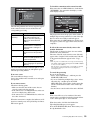
Before you start, set the “TITLE” sub item of setup
menu item 035 CLIP TITLE NAMING SELECT to
“enable”, and set a title (see the previous section).
2
Press the MENU button.
3
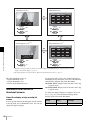
Turn the PUSH SET(S.SEL) knob to select setup
menu item 036.
Sakura.SMI
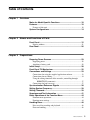
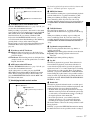
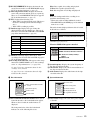
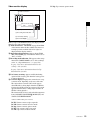
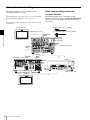
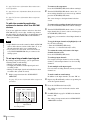
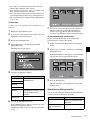
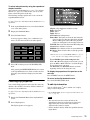
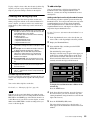
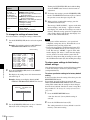
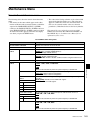
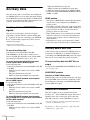
Turn the PUSH SET(S.SEL) knob to move the “*” to
the left of the item names to “NAMING FORM”.
The “*” indicates the selected item.
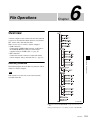
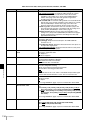
RETURN
ITEM-036
SELECT
FILE NAMING
*
SAVE
END
NAMING FORM
AUTO NAMING
- C****
- C****
EXIT
SETUP
5
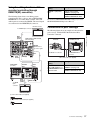
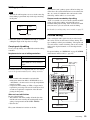
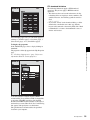
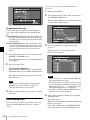
Turn the PUSH SET(S.SEL) knob to select “free”, and
press the knob.
You are now able to use clips and clip lists with userdefined names.
6
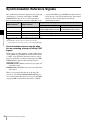
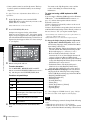
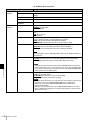
Turn the PUSH SET(S.SEL) knob to move the “*” to
the left of “AUTO NAMING”, and press the knob.
Able to use clip lists with user-defined names
over FAM and FTP connections
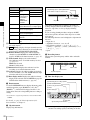
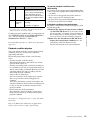
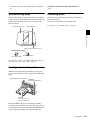
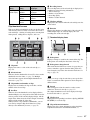
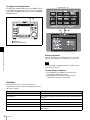
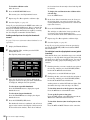
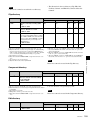
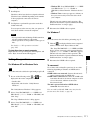
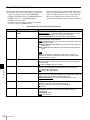
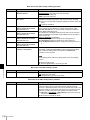
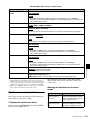
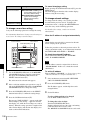
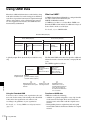
To check clip names
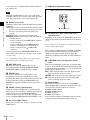
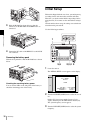
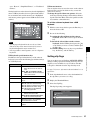
Press the THUMBNAIL button to display the thumbnail
screen, and select the clip whose name you want to check.
The name of the selected clip appears at the upper left of
the screen.
Chapter 6 File Operations
4
Able to use clips with user-defined names
over FAM and FTP connections
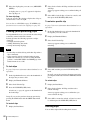
See “Thumbnail Operations” (page 73) for more
information about the thumbnail screen.
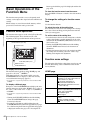
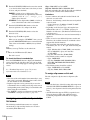
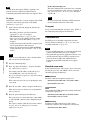
Note
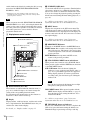
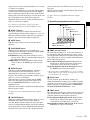
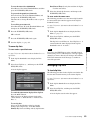
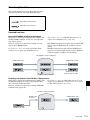
The item at the upper left of the screen is displayed
according to the following order of priority.
Title >User-defined clip name >Standard format clip name
Therefore, the display of this item changes as following,
depending on whether there is a title.
- When a title has been set as a clip name on this unit, for
clips recorded on this unit, the title is displayed.
- The user-defined name or standard format name is
displayed for clips without a title.
Overview
109