1
English
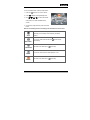
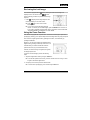
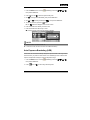
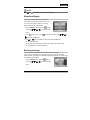
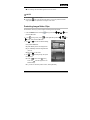
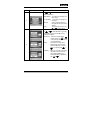
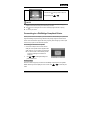
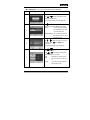
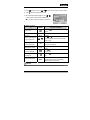
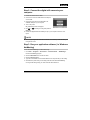
3. Toggle
/
to select the desired self-timer mode.
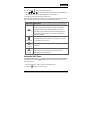
[NO INDICATION]
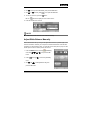
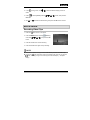
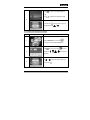
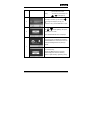
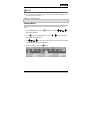
4. Compose your scene and press the shutter button.
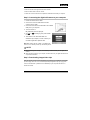
The self-timer function is activated and the status of countdown will be displayed
on the LCD monitor.
The photography is then taken after the preset time.
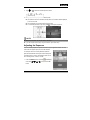
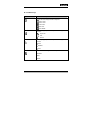
To cancel the self-timer at any time, press
to disrupt the sequence.
NOTE
After one shot is taken, the self-timer mode is turned off.
If you wish to take another image using the self-timer, repeat these steps.
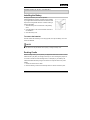
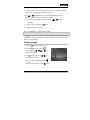
Adjusting the Exposure
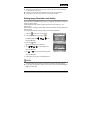
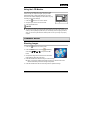
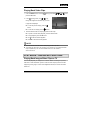
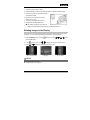
You can manually adjust the exposure determined by the digital still camera. Use this
mode when the proper exposure cannot be obtained,
for example, when the contrast (difference between
light and dark) between the subject and the background
is extremely large. The EV compensation value can be
set in the range from –2.0EV to +2.0EV.
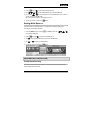
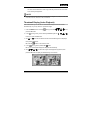
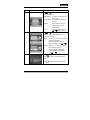
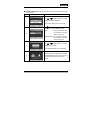
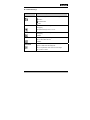
1. Press the MODE button to access [
mode with
,
,
or
(CAMERA)]
, then press the OK
button.
-27-