1
English
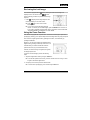
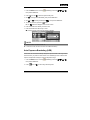
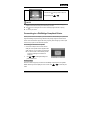
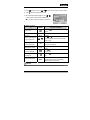
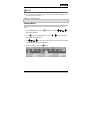
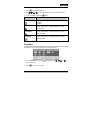
3. Use
,
,
or
to select the desired setting, then press the OK button.
4. To exit from the playback menu, press the
button.
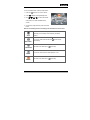
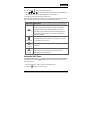
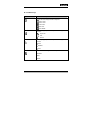
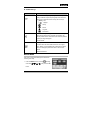
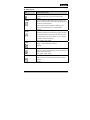
Item
Functional Description
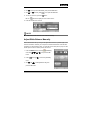
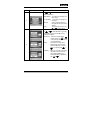
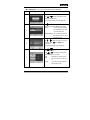
SLIDE SHOW
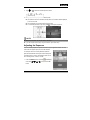
You can play back recorded images in order with a selected
interval time. This function is useful for checking your images
or for presentations, etc.
Refer to section in this manual titled “Slideshow Display” for
further details.
* 3SEC/5SEC/7SEC/9SEC
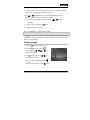
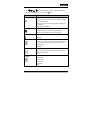
PROTECT
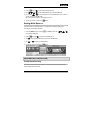
Set the data to read-only to prevent images from being erased
by mistake. Refer to the section in this manual titled
“Protecting Images/Video Clips” for further details.
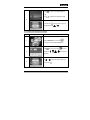
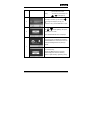
DELETE ALL
Delete all files.
* YES/NO
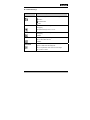
COPY TO CARD
Allows you to copy your files from the digital still camera’s
internal memory to a memory card. Of course, you can only do
this if you have a memory card installed and some files in
internal memory.
* YES/NO
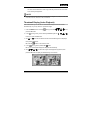
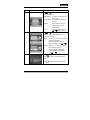
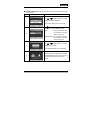
THUMBNAIL
Allows you to view 4 or 9 thumbnail images on the LCD
monitor at the same time, where you can quickly search for
the image that you want.
* 4/9
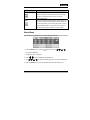
RESIZE
Changes the size of a recorded image.
* 2560 x 1920
* 2048 x 1536
* 1280 x 960
* 640 x 480
* EXIT
-62-