1
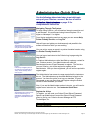
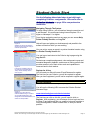
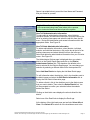
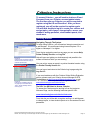
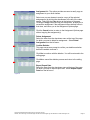
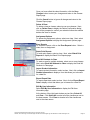
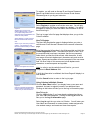
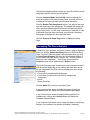
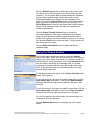
The Bookmark page displays the date you were last working on the
assignment and the name of the assignment.
Click the Continue Where You Left Off button to redisplay the
essay entry page. If the essay is being timed, the timer will be set
to whatever its value was when you last saved the essay.
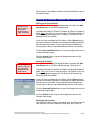
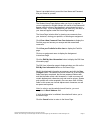
Click the Restart This Assignment button if you want to start over
from the beginning of the assignment. The website will prompt you
with a message indicating that this function will delete the saved
copy of your essay. You will need to confirm your selection in order
to proceed. Once you have confirmed your selection, the essay
entry page will display with the essay field blank.
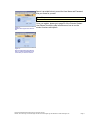
Click the Proceed to Home Page button to display the Home
Page.
Accessing The Score Analysis
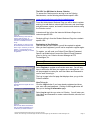
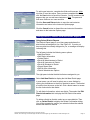
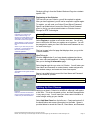
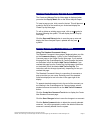
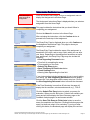
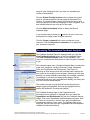
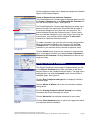
If enabled by your instructor, the Score Summary page is displayed
when you click the Submit this Essay button on the Essay Entry
Page. The Score Summary page is also displayed when you click
the View Score Summary link from the Score Analysis Report. If
you accessed this page from the reports, the "Click the Continue
button for more information…" text will be removed and the
Continue button will be replaced with a Return button.
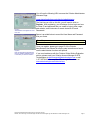
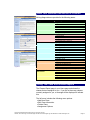
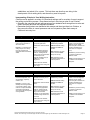
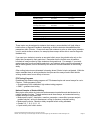
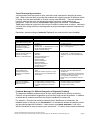
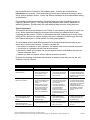
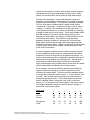
Figure 60.
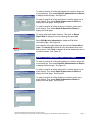
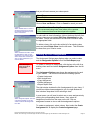
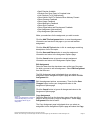
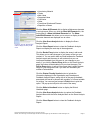
The Score Summary page includes your name, assignment name,
and advisories. Depending on the settings that have been set up
for your assignment, the Score Summary page may also include
the following:
· Time limit for completing the assignment
· Time taken (the amount of time used to complete the
assignment
· Score
· Score Summary
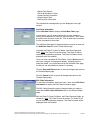
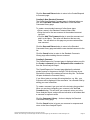
Click the Home link to return to the Home Page.
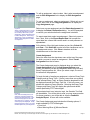
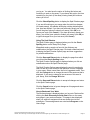
If your instructor has chosen to display this page, clicking the
Continue button will display the Score Analysis Report page.
If your instructor has chosen to display Writing Analysis Tool
feedback only, clicking the Continue button will display the
Feedback Analysis Report.
If your instructor has chosen not to display this page or the Writing
Analysis Tool feedback, the website will display a message
Copyright © 2003 Educational Testing Service. All rights reserved.
Criterion, the Criterion logo, ETS Technologies and the ETS Technologies logo are trademarks of ETS Technologies, Inc.
Page 34