1
Remote Payroll Entry (RPE) User Manual
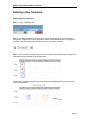
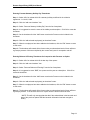
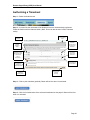
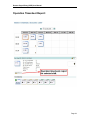
Step 4 – Click on “add new timesheet” button
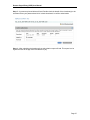
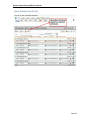
Step 5 – On the subsequent page select the appropriate template from the drop down menu. The
Employees Working at Company template will automatically give the list of the employees
plugged in for that date and shift. The Empty Time Sheet template will allow the manual entry of
employees. Add a description if necessary, and click OK.
Cruise start/end times can also be selected for the applicable companies.
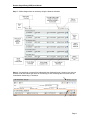
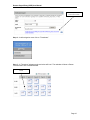
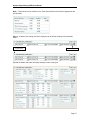
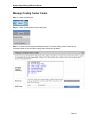
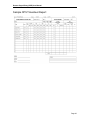
Step 6 - The edit page, shown below, will load. Enter Ship, Ship Code and Account Code. Select
the appropriate Port Code, Site-Berth and Operation from the drop down menus.
Page 7