1
Software implementation: Communication using Character Mode
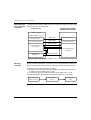
Stop on
reception
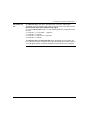
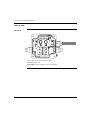
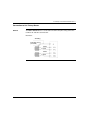
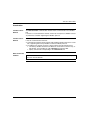
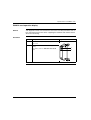
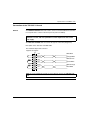
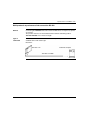
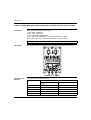
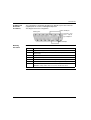
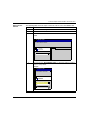
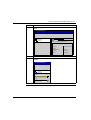
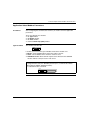
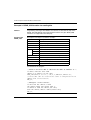
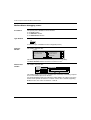
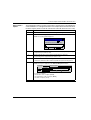
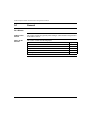
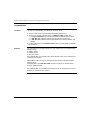
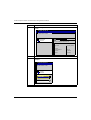
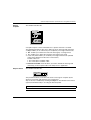
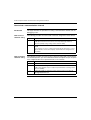
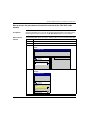
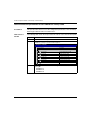
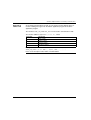
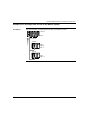
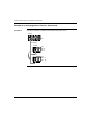
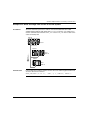
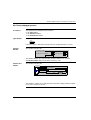
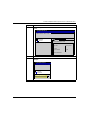
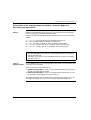
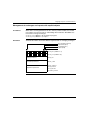
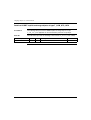
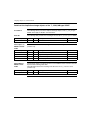
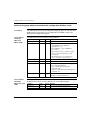
This window looks like this:
Stop on reception
Character 1
Stop
CR
LF
10
Characters included
Character 2
Stop
CR
LF
0
Characters included
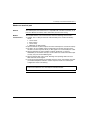
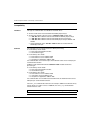
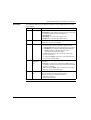
A reception request can be terminated once a specific character is received.
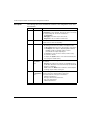
The following parameters allow you to define up to two message end characters:
l Stop: enables you to activate stop on reception by a message end character,
l CR : enables you to detect the end of the message by a carriage return,
l LF : enables you to detect the end of the message by a line feed,
l a data entry field: enables you to identify a message end character (decimal
value) that is different from the CR or LF characters,
Possible values are:
l 0 to 255 if data is coded on 8 bits,
l 0 to 127 if data is coded on 7 bits,
l Character included: check this box if you want to include the message end
character(s) in the reception table of the Unity Pro PLC application.
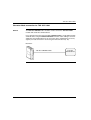
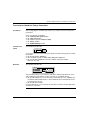
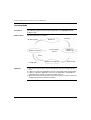
Stop on silence
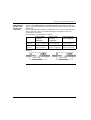
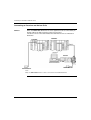
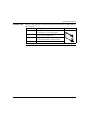
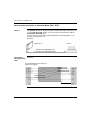
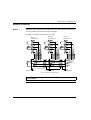
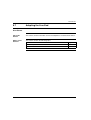
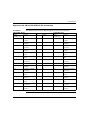
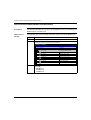
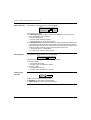
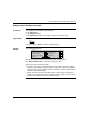
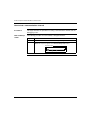
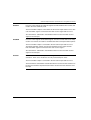
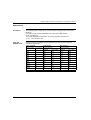
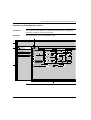
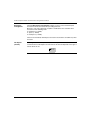
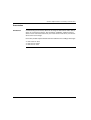
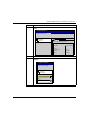
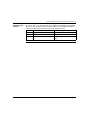
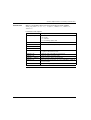
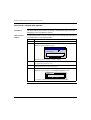
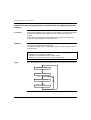
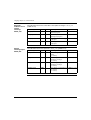
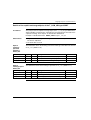
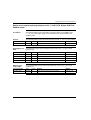
This window looks like this:
Stop on silence
Stop
1
ms
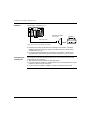
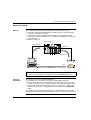
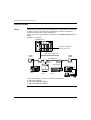
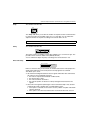
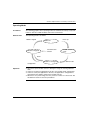
This parameter allows you to detect the end of a message on reception by the
absence of message end characters over a given time.
Stop on silence is validated by checking the Stop box. The duration of the silence
(expressed in milliseconds) is set using the data entry field.
Note: The possible values are 1 ms to 10000 ms.
235