1
Software implementation: Uni-Telway communication
Description
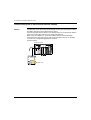
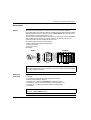
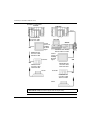
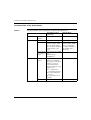
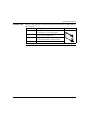
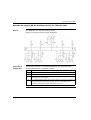
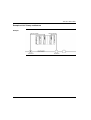
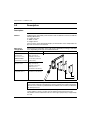
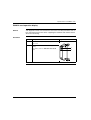
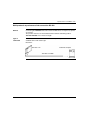
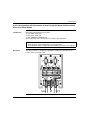
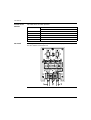
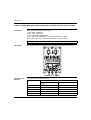
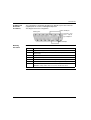
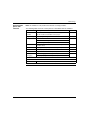
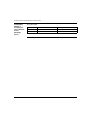
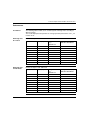
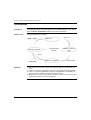
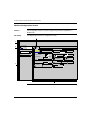
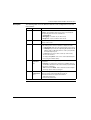
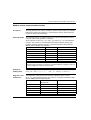
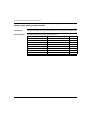
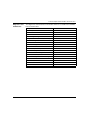
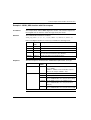
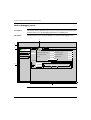
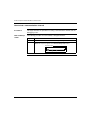
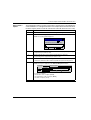
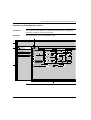
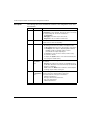
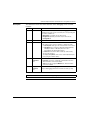
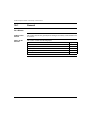
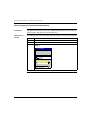
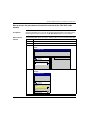
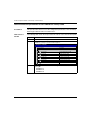
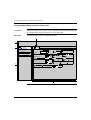
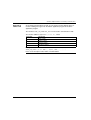
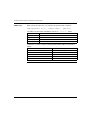
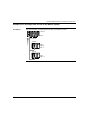
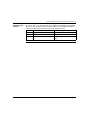
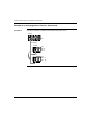
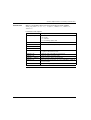
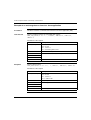
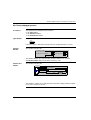
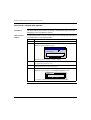
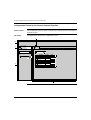
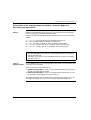
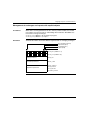
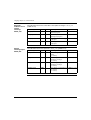
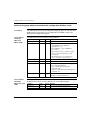
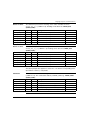
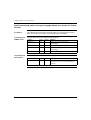
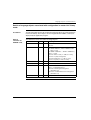
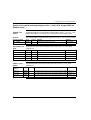
The following table shows the different elements of the configuration screen and
their functions.
Address Element
Function
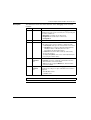
1
Tabs
The tab to the front indicates which mode is currently in use
( Configuration in this example). Each mode can be selected by
the corresponding tab. The modes available are:
l Configuration ,
l Debugging, accessible only in Online mode,
l Diagnostics, accessible only in Online mode.
2
Module zone
Provides an abbreviation as a reminder of the module and
module status in online mode (LEDs).
3
Channel field
Is used:
l By clicking on the reference number, to display the tabs:
l Description which gives the characteristics of the device.
l I/O Objects (See Unity Pro, Operating Modes Manual,
I/O Objects Tab for a Module) which is used to
presymbolize the input/output objects.
l Fault which shows the device faults (in online mode).
l To select the channel,
l To display the Symbol, name of the channel defined by the
user (using the variable editor).
4
General
parameters
zone
Enables you to choose the general parameters associated with
the channel:
l Function: according to the channel, the available functions
are Modbus, Character mode and Uni-Telway. By default, No
function is configured.
l Task: defines the MAST task in which the channel implicit
exchange objects will be exchanged.
5
Configuration Is used to configure the channel configuration parameters. Some
zone
selections may be locked and appear grayed out.
It is broken down into two types of information:
l application parameters,
l transmission parameters.
261