1
120
M5 Controller
Installation Manual
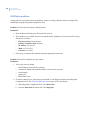
Disable/Enable Idle Poll Timer
This option is available only to Picture Perfect users. Use this option to disable or enable the poll timer. The
poll timer guarantees that the network connection between the controller and the host is not shut down by the
network administrator, firewall, or other device due to network inactivity.
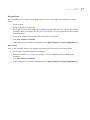
Disabling the Poll Timer
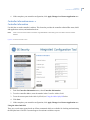
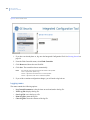
1. If you have not already done so, log on to the Integrated Configuration Tool. See Starting the tool on
page 99.
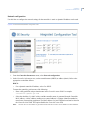
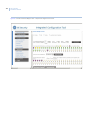
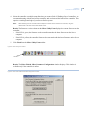
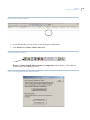
2. From the Controller Parameters menu, select Other Parameters.
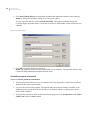
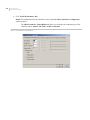
3. Select Disable Idle Poll Timer.
4. Click Save.
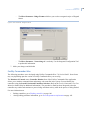
5. If this completes your controller configuration, click Apply Changes then Restart Application now.
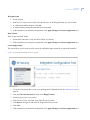
Enabling the Poll Timer
1. If you have not already done so, log on to the Integrated Configuration Tool. See Starting the tool on
page 99.
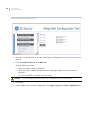
2. From the Controller Parameters menu, select Other Parameters.
3. Select Enable Idle Poll Timer.
4. Click Save.
5. If this completes your controller configuration, click Apply Changes then Restart Application now.
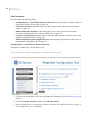
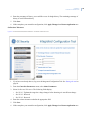
Change Username/Password
For increased security, we recommend that you change the default username and password.