1
Chapter 8
Controller firmware tools
Wiegand format
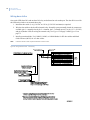
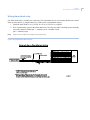
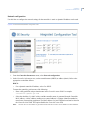
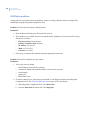
This screen allows you to edit an existing badge format or create a new badge format based on an existing
format.
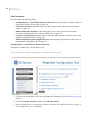
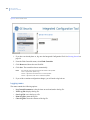
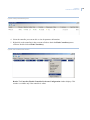
1. Select Wiegand.
2. Select the format you wish to edit.
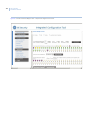
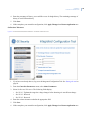
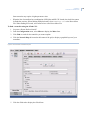
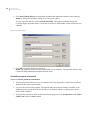
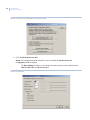
3. The screen used to create the badge format displays populated with the values from the chosen badge
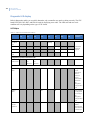
format file. Make your changes. See Wiegand format on page 110 for an explanation of the available
format characters.
4. If you do not change the format name, the existing file is overwritten.
5. Click Save Format to Controller.
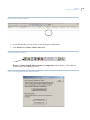
6. If this completes your controller configuration, click Apply Changes then Restart Application now.
MAG format
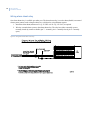
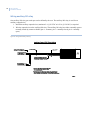
There is only one MAG format so any changes made and saved will overwrite your existing format.
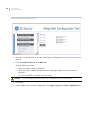
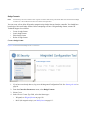
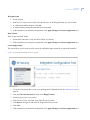
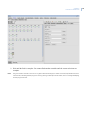
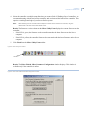
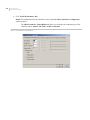
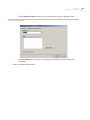
1. Select MAG. A new MAG format screen displays.
2. Enter the new format. See MAG format on page 113 for an explanation of the available format
characters.
3. Click Save Format to Controller.
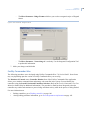
4. If this completes your controller configuration, click Apply Changes then Restart Application now.
115