1
Addendum User Manual Version 12
4.
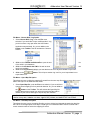
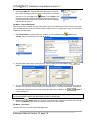
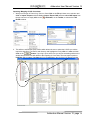
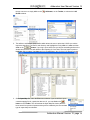
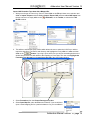
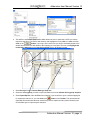
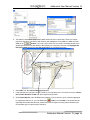
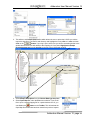
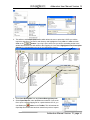
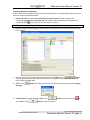
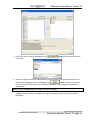
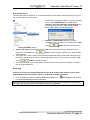
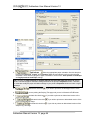
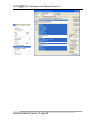
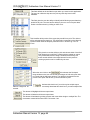
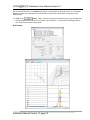
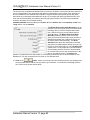
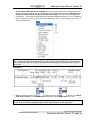
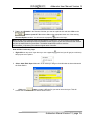
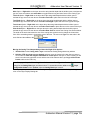
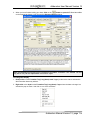
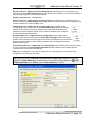
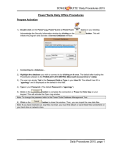
Navigate to the file you wish to link to your log and Highlight the file name and then click on the
button. This will fill in the Links window with the file name and path portion of the Links
window as shown below.
5.
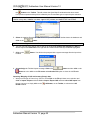
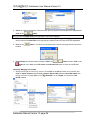
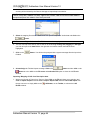
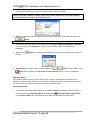
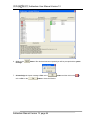
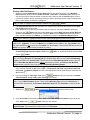
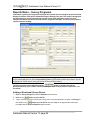
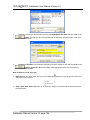
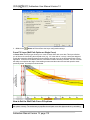
Change the Remarks in the Remarks field that you want to explain the link and then Click on the
button or press ALT-S and then click on the appropriate button out of the ensuing
Shortcut Options window.
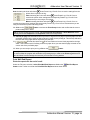
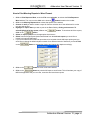
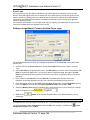
How to Delete a Link to any Layer
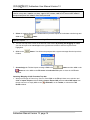
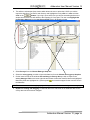
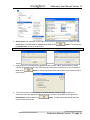
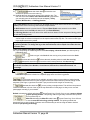
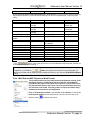
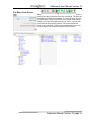
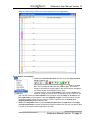
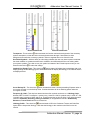
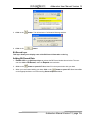
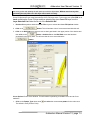
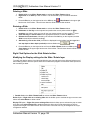
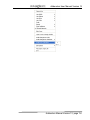
1. Right Click on any track / layer where you see a paperclip
this pop out menu options.
symbol and you will get (at a minimum)
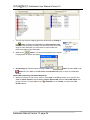
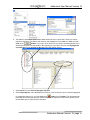
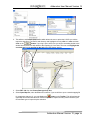
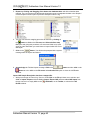
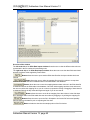
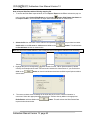
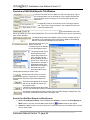
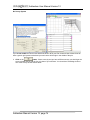
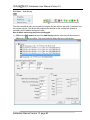
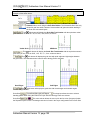
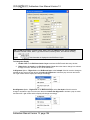
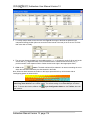
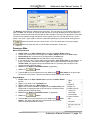
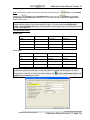
2. Select Add / Edit / Open Link and if a Link exists you will get a Links Window as shown below with
the fields filled in.
Addendum Manual Version 12, page 104