1
2-25
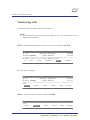
MENUS
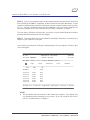
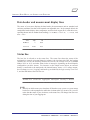
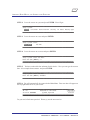
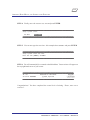
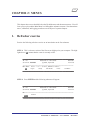
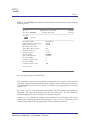
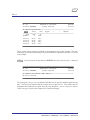
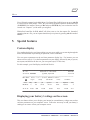
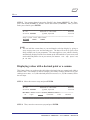
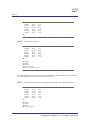
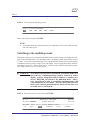
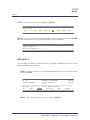
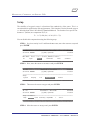
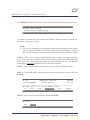
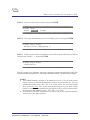
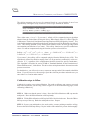
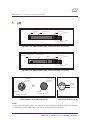
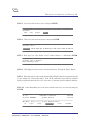
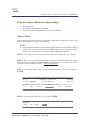
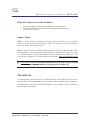
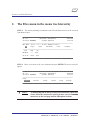
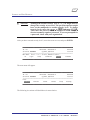
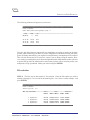
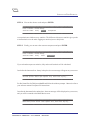
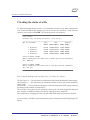
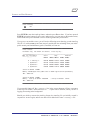
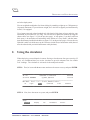
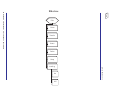
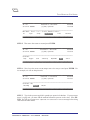
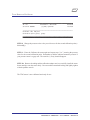
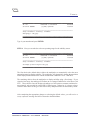
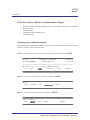
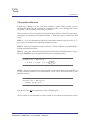
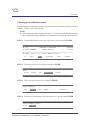
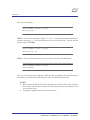
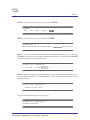
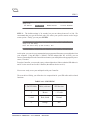
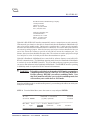
STEP 4: You will get the following screen:
_________________________________________
_________________________________________
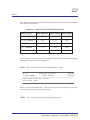
Setup: I/O: Terminal-BaudRate:
300
1200
2400
4800
9600
19200
_________________________________________
_________________________________________
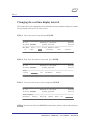
Make your selection and press ENTER.
NOTE:
} For terminal baud rates of 9600 and less, your multiprobe will revert to 9600 for operation with a Surveyor 4.
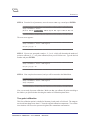
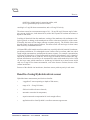
Switching to the multidrop mode
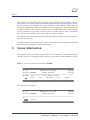
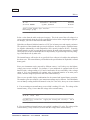
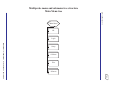
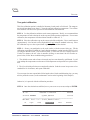
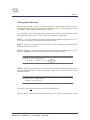
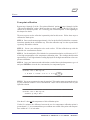
This feature allows you to switch from the ANSI mode (used to display your multiprobe readings) to the multidrop mode. The multidrop mode is an interface mode which allows the user
to “drop” several lines of communication to several multiprobes through a device that supports
a multidrop interface (such as a Surveyor 4 data display, a device using the ProFiler software,
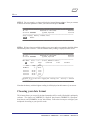
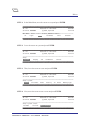
or another user device). Follow these steps to switch from the ANSI to the multidrop mode.
This feature requires Level-3 security access.
!
▲
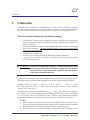
WARNING: To be able to switch back to ANSI mode, you need to make sure
that you have a multidrop master (such as a Surveyor 4 data
display, a device using the ProFiler software, or another user
device), BEFORE you switch to the multidrop mode. Otherwise, you will not be able to reestablish communications with
your multiprobe in ANSI mode. Note that ProComm Plus will
allow you to switch to multidrop mode, but it will not allow you
to switch back to ANSI mode.
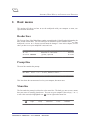
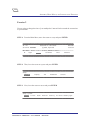
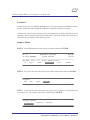
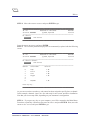
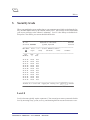
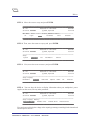
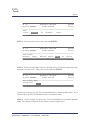
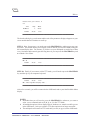
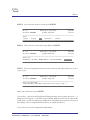
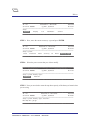
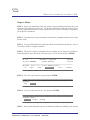
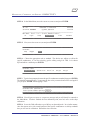
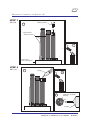
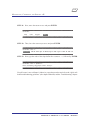
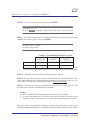
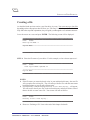
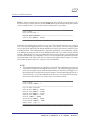
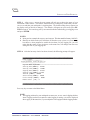
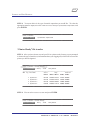
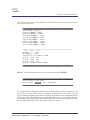
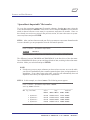
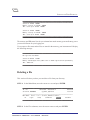
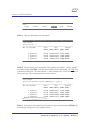
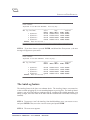
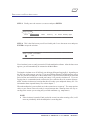
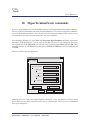
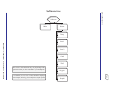
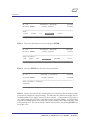
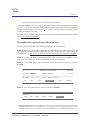
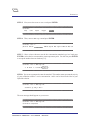
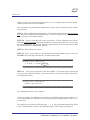
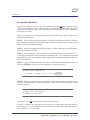
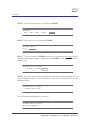
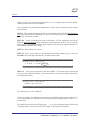
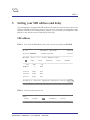
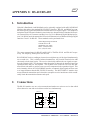
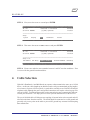
STEP 1: Move the cursor to Setup and press ENTER.
_________________________________________
_________________________________________
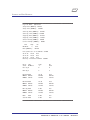
Id: n/a
DataSonde 4 / MiniSonde
04/12/96
Serial No. 00000000
(C)1996, Hydrolab
23:11:20
_____________________________________________________________________________________________________________
Main Menu: Press -> or <- to move, ENTER to select...
HL
Login
Calibrate
Files
Software
Setup
_________________________________________
_________________________________________
DataSonde® 4 / MiniSonde® User’s Manual
Revision D