1
3-20
MAINTENANCE, CALIBRATION, AND STORAGE: D.O.
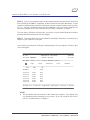
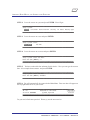
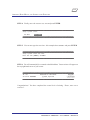
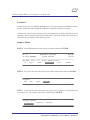
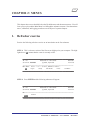
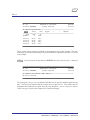
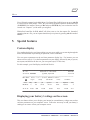
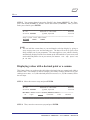
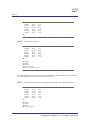
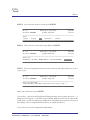
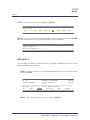
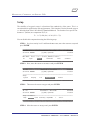
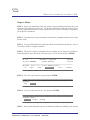
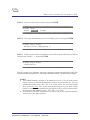
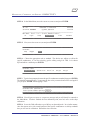
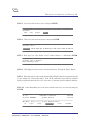
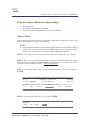
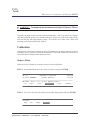
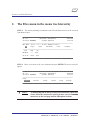
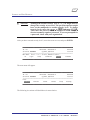
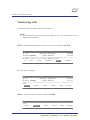
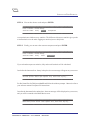
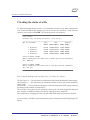
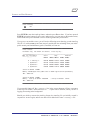
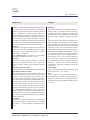
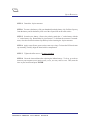
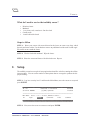
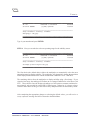
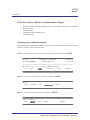
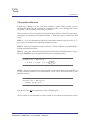
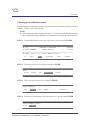
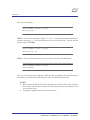
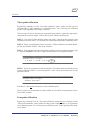
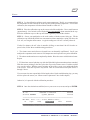
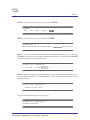
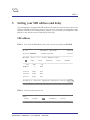
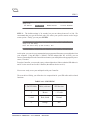
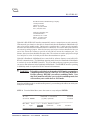
STEP 5: Next, move the cursor to DO:mg/l and press ENTER.
_________________________________________
_________________________________________
Calibrate: Oxygen:
DO:%Sat
DO:mg/l
BP:mmHG
_________________________________________
_________________________________________
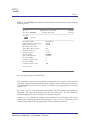
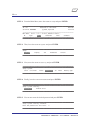
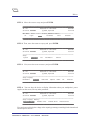
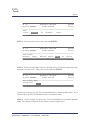
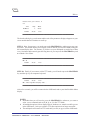
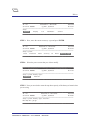
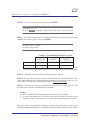
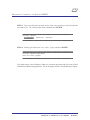
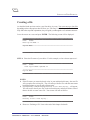
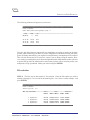
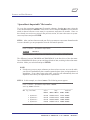
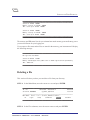
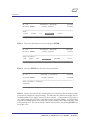
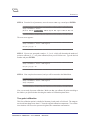
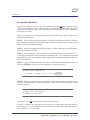
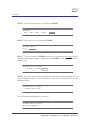
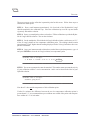
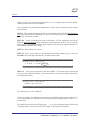
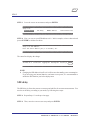
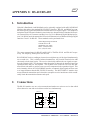
STEP 6: Next, type the barometric pressure in mmHg at your site and press ENTER.
_________________________________________
_________________________________________
Calibrate: Oxygen: DO:mg/l:
Barometric pressure (mmHg):[760.0]
<<
_________________________________________
_________________________________________
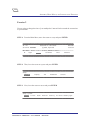
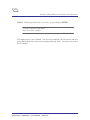
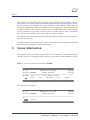
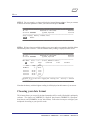
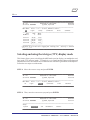
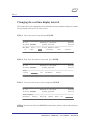
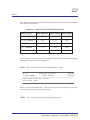
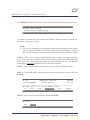
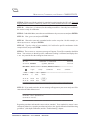
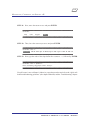
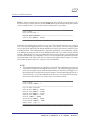
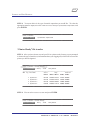
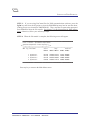
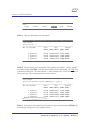
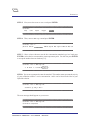
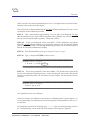
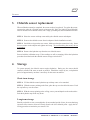
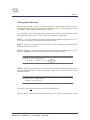
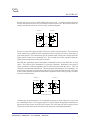
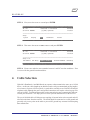
STEP 7: Finally, type the known concentration, or the value in mg/l produced by the Winkler
titration, after Standard: << and press ENTER.
_________________________________________
_________________________________________
Calibrate: Oxygen: DO:mg/l:
Standard:[8.33]<<
_________________________________________
_________________________________________
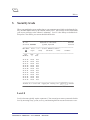
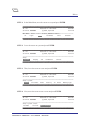
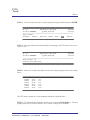
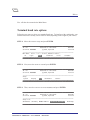
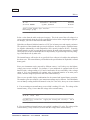
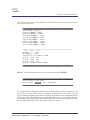
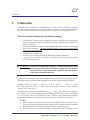
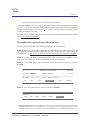
Your D.O. sensor is now calibrated. Otherwise, repeat the procedure and refer to the “Quick calibration troubleshooting guidelines” (after depth calibration) and the “Troubleshooting” chapter.
((S
AME AS IN TDG CHPTR, 1ST NOTE ONLY!))
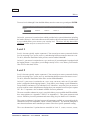
NOTES:
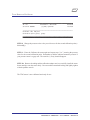
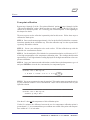
} The standard barometric pressure is 760 mmHg at sea level. Call your local weather
bureau or airport to find out the barometric pressure of your specific site. You can
estimate this number using: BP = 760 - 2.5 (A/100), where A is your local altitude
above sea level in feet. Also, if you are using the BP given by your local weather
bureau, be aware that their numbers are corrected to sea level, and you must use BP’,
the uncorrected atmospheric pressure: BP’ = BP - 2.5 (A/100).
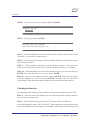
} You can also use the built-in barometer in your Surveyor 4, carry a pocket barometer,
or have one at your deployment site.
DataSonde® 4 / MiniSonde® User’s Manual
Revision E