1
EPSON EPL-N4000
4.2.30 MSI Pad
Chapter 4
Disassembly and Assembly
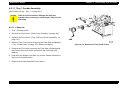
7. Reinstall the MSI Feed Roll. (“MSI Feed Roll” on page 154)
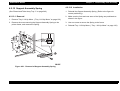
(See “MSI Feeder Assembly (Manual Feeder)” on page 146)
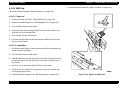
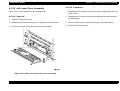
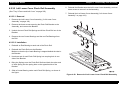
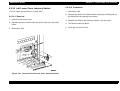
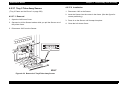
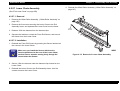
4.2.30.1 Removal
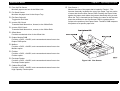
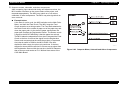
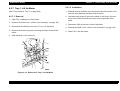
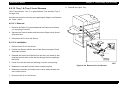
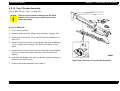
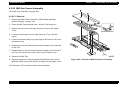
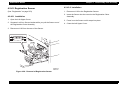
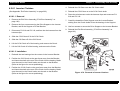
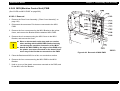
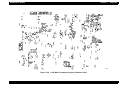
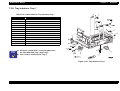
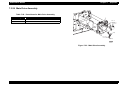
1. Remove the MSI Feed Roll. (“MSI Feed Roll” on page 154)
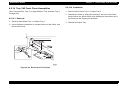
2. Remove the MSI Nudger Roll. (“MSI Nudger Roll” on page 155)
3. Turn the MSI Feeder upside down.
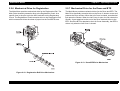
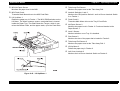
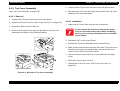
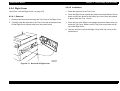
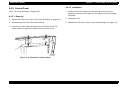
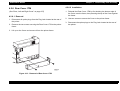
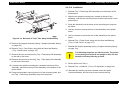
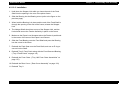
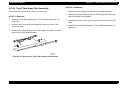
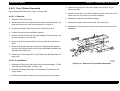
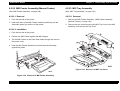
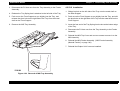
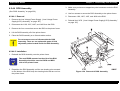
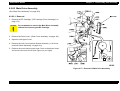
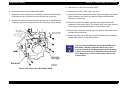
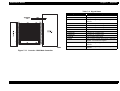
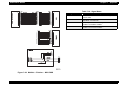
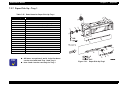
4. Remove the KL clip securing the MSI Pad Pin to the Feeder, and
slide the Pin out of the MSI Pad.
5. Turn the MSI Feeder right side up.
6. Pull back the MSI Paper Guide and slide the MSI Pad to the right
and out of the Feeder.
4.2.30.2 Installation
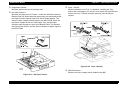
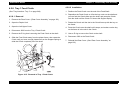
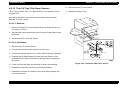
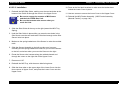
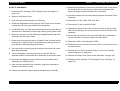
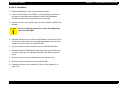
1. Pull back the MSI Paper Guide and slide the MSI Pad between the
Guide and the Pad Spring.
2. Turn the MSI Feeder upside down.
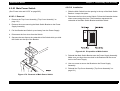
3. Slide the MSI Pad Pin into the hole in the Feeder, through the holes
in the three legs of the MSI Pad, and out through the other hole in
the Feeder.
4. Use a KL clip to secure the MSI Pad Pin to the Feeder.
5. Press down on the MSI Pad to make sure it moves smoothly and
has a spring-action return.
6. Reinstall the MSI Nudger Roll. (“MSI Nudger Roll” on page 155)
Rev. A
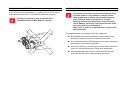
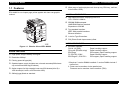
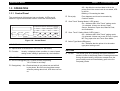
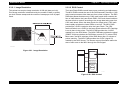
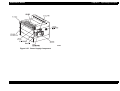
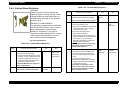
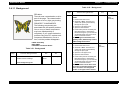
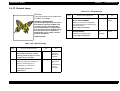
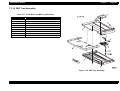
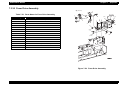
Figure 4-44. Removal of MSI Pad
157