1
10.4.
Registering & Formating HDD
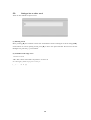
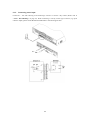
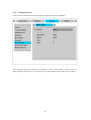
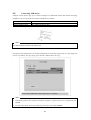
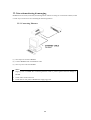
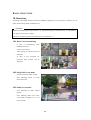
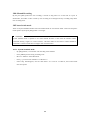
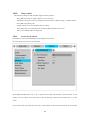
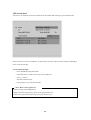
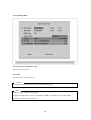
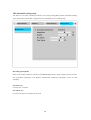
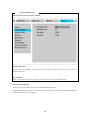
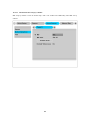
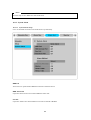
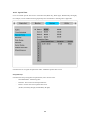
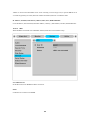
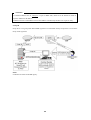
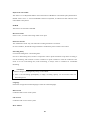
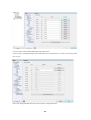
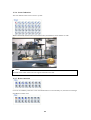
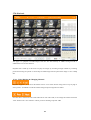
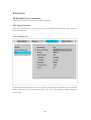
“Disk Manager” will automatically run on start-up installing a HDD as below;
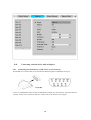
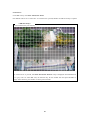
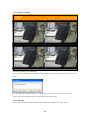
If “Disk Manager” deos not automatically run on start-up, make sure the HDD is properly installed.
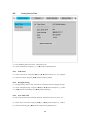
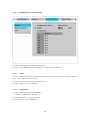
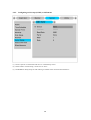
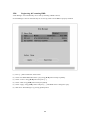
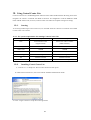
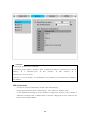
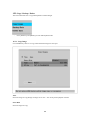
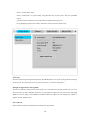
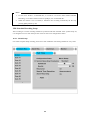
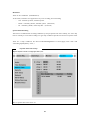
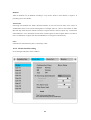
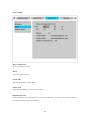
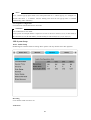
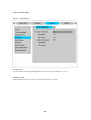
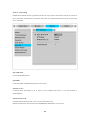
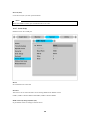
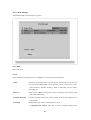
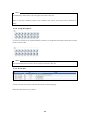
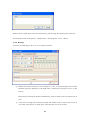
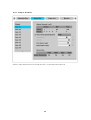
(1) Press [▷] button marked at “Select Disk”.
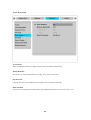
(2) Select new added HDD(indicated as “[F]”) using [▲/▼] button and press [EXIT].
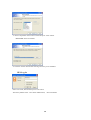
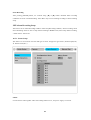
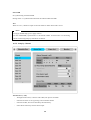
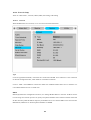
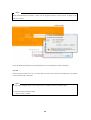
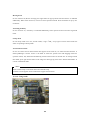
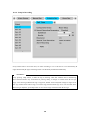
(3) Select “Action” using [▲/▼] button and press [▷].
(4) Select “Add” using [◀/▶] button and press [EXIT].
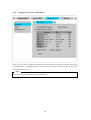
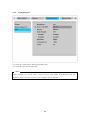
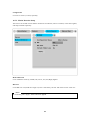
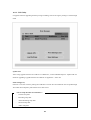
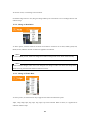
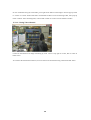
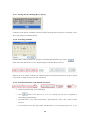
(5) Select “Apply” using [▲/▼] button and press [▷]. The HDD status is changed to “[R]”.
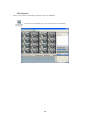
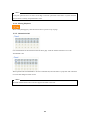
(6) Shut down “Disk Manager” by pressing [EXIT] button.
44