1
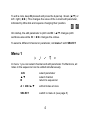
To edit a note, keep B pressed and press the d-pad up / down (▲/▼) or
left / right (◄/►). This changes the value of the current edit parameter,
indicated by little dots and squares changing their position.
On startup, the edit parameter is pitch and B + ▲/▼ changes pitch
semitone-wise while B + ◄/► changes the octave.
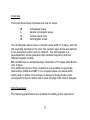
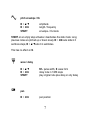
To select a different channel or parameter, call menu 1 with SELECT
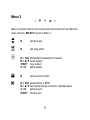
Menu 1
In menu 1 you can select channel and edit parameter. Furthermore, all
notes in the sequencer can be edited simultaneously.
◄/►
▲/▼
B
select parameter
select channel
return to sequencer
A + ◄/►/▲/▼
edit all notes at once
SELECT
switch to menu 2 (see page 8)
4