1
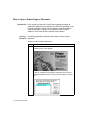
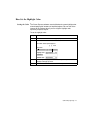
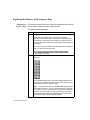
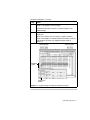
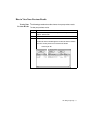
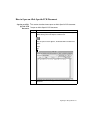
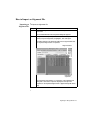
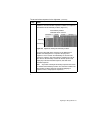
To sort primers on the Map page.
Step
5
(continued)
Action
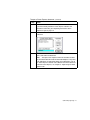
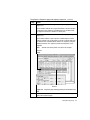
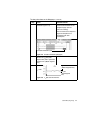
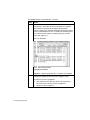
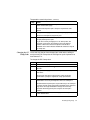
Click the Primers tab to select the Primers page.
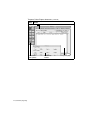
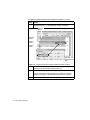
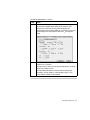
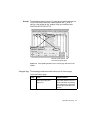
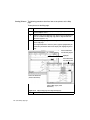
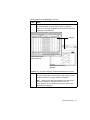
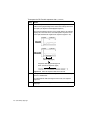
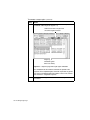
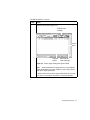
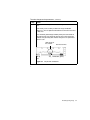
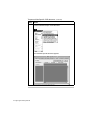
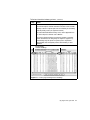
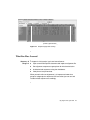
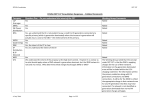
The primer/amplicon set on the Primers page is highlighted
(Figure 2-15). This primer/amplicon set corresponds to the primer
pair graphic on the Map page.
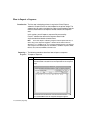
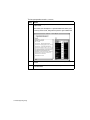
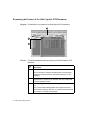
Highlight
DNA PCR document
(active document)
Copy of Map page (inactive
document)
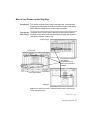
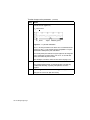
Figure 2-15 Copy of the Map page and original document primers page
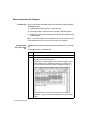
6
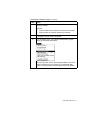
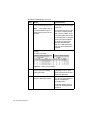
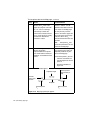
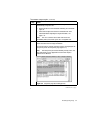
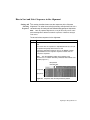
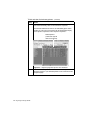
Click on the copy of the Map page to make it active.
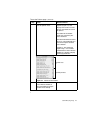
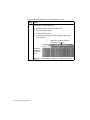
You can sort the graphics in the Primer pane by clicking any of the
numerical attributes. The sorting attribute is underlined.
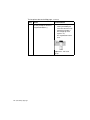
Note
When you first look at the attributes in the Primer pane,
none of the attributes is underlined. This is because the
primer/amplicon sets are sorted by Penalty score, which is not
displayed on the Map page.
Quick and Easy Oligo Design 2-27