1
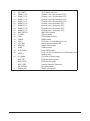
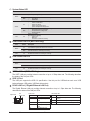
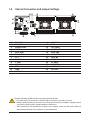
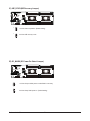
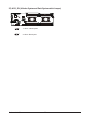
1-6 Internal Connectors and Jumper Settings
11 8
12
9
6
2
14
7
10
21
23
24 22 20
4
13
25
16
19
18
17
157
3
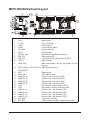
1)
2)
3)
4)
5)
6)
7)
8)
9)
10)
11)
12)
13)
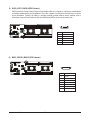
SSI_2X9P1
SSI_2X9P2
SATA0/1/2/3/4/5
PMBUS
SATA_SGP1
BMC_SGPIO1
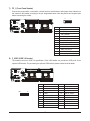
FP_1
F_USB3
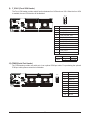
F_VGA1
COM2
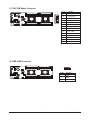
TPM
IPMB
SW_RAID
1
5
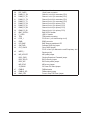
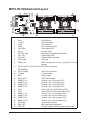
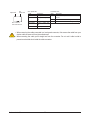
14) LED_BMC
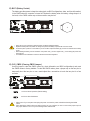
15) BAT1
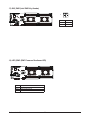
16) CLR_CMOS
17) ME_UPDATE
18)
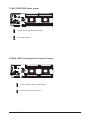
BIOS_PWD
19) BIOS_RCVR
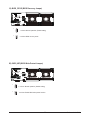
20)
BIOS_WP
21) ME_RCVR
22) S3_MASK
23) BMC_FRB
24) PMBUS_SEL
25) ACK_SEL
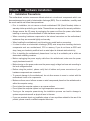
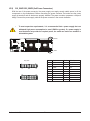
Read the following guidelines before connecting external devices:
• First make sure your devices are compliant with the connectors you wish to connect.
• Before installing the devices, be sure to turn off the devices and your computer. Unplug the power
cord from the power outlet to prevent damage to the devices.
• After installing the device and before turning on the computer, make sure the device cable has
been securely attached to the connector on the motherboard.
- 23 -
Hardware Installation