1
Setup on the Web Server Pages
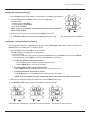
Setting the Source Measurement
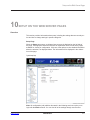
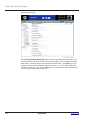
System Setup
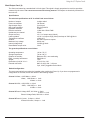
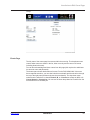
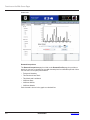
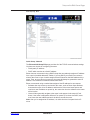
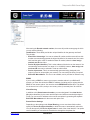
The System Setup page is divided into two sections: Hardware and System Firmware.
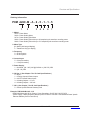
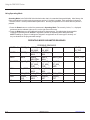
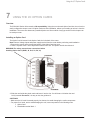
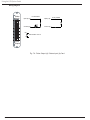
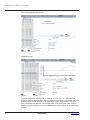
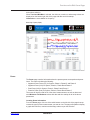
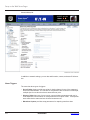
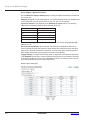
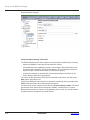
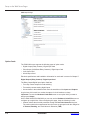
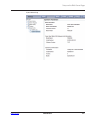
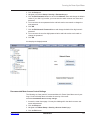
Hardware Setup - Faceplate Setup
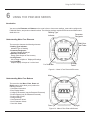
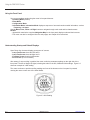
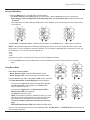
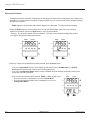
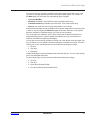
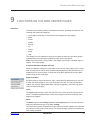
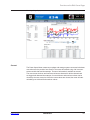
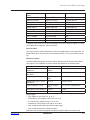
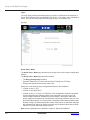
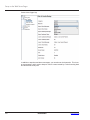
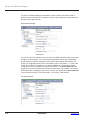
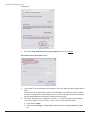
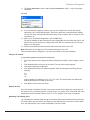
You can configure the meter’s faceplate display. Options include:
• Phases Displayed: A; A and B; A, B, and C. This field determines which phases
display on the faceplate. For example, if you select A and B, only those two phases
will be displayed on the faceplate.
• Auto Scroll: This field enables or disables the scrolling of selected readings on the
faceplate. If enabled, the readings scroll every 5 seconds.
• Measurements to Display: Check the boxes of the readings you want displayed on
the faceplate of the meter. You must select at least one reading.
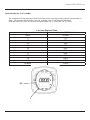
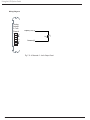
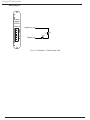
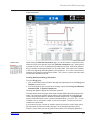
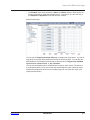
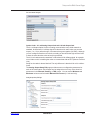
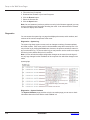
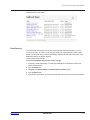
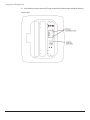
Faceplate Display Setup Page
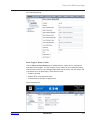
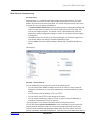
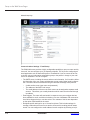
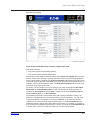
Hardware - Real-Time Clock
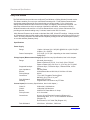
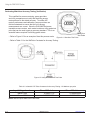
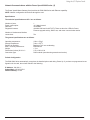
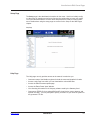
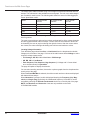
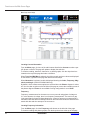
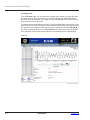
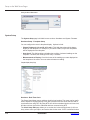
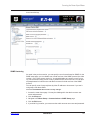
The Power Xpert Meter uses a real-time clock for time keeping. The meter can be configured to adjust for Daylight Savings Time (DST) based on the time zone selection and to
synchronize time using NTP. By using NTP, time will be maintained by the real time clock,
and the real time clock will be calibrated and time corrected using NTP.
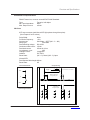
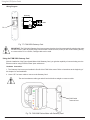
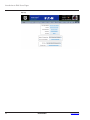
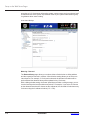
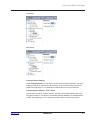
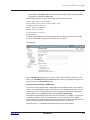
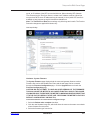
The Clock Setup Edit page allows you to set the time in hours and minutes (in 24 hour
time), select a time sync option, and set the date for the meter. If NTP is selected for time
10-22
IM02601001E
www.eaton.com