1
Digital Projection M-Vision 930 Series
OPERATING THE PROJECTOR
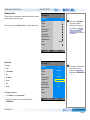
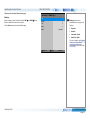
Adjusting the image
Notes
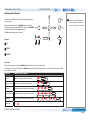
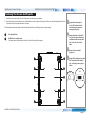
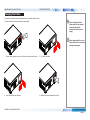
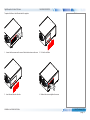
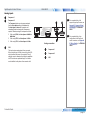
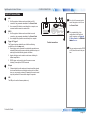
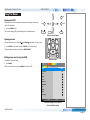
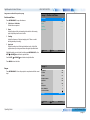
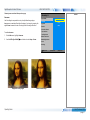
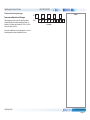
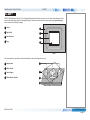
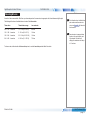
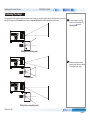
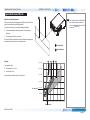
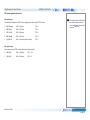
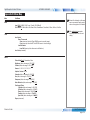
Orientation
•
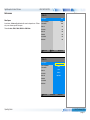
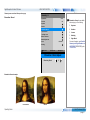
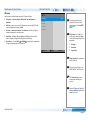
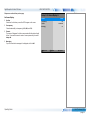
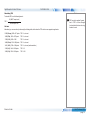
This can be set from the Setup menu.
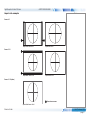
Highlight Orientation and choose from Desktop Front, Ceiling Front, Desktop Rear and Ceiling Rear.
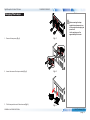
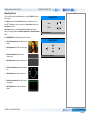
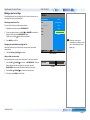
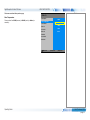
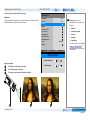
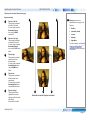
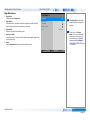
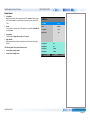
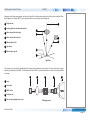
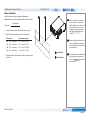
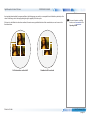
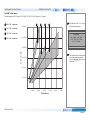
Keystone
•
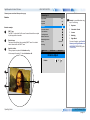
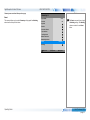
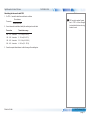
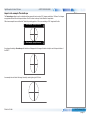
This can be set from the Geometry menu.
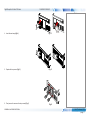
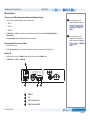
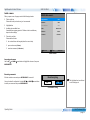
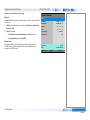
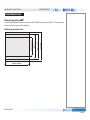
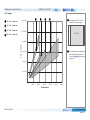
Picture
•
•
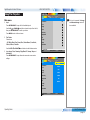
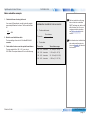
Setup menu
Orientation
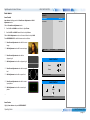
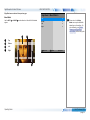
Geometry menu
Keystone
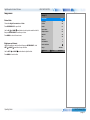
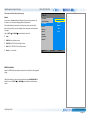
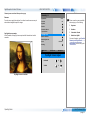
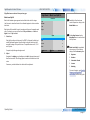
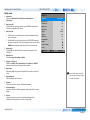
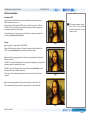
Image menu
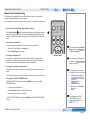
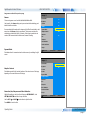
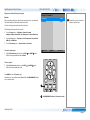
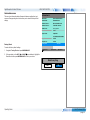
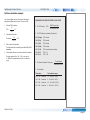
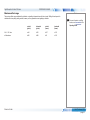
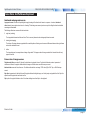
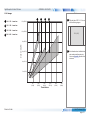
Settings such as Brightness, Contrast and Gamma can be set from the Image menu.
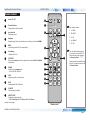
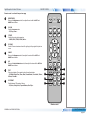
You can also set Brightness, Contrast or Gamma by pressing BRIGHTNESS, CONTRAST or GAMMA on the remote control.
Installation and Quick-Start Guide
Rev C February 2015
page 21