1
Digital Projection M-Vision 930 Series
ASPECT RATIOS EXPLAINED
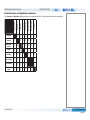
Aspect Ratios Explained
Notes
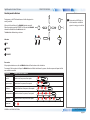
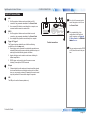
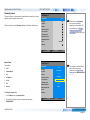
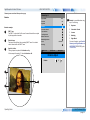
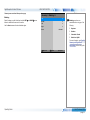
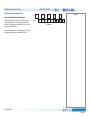
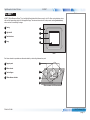
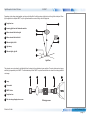
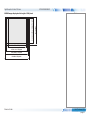
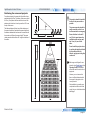
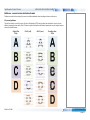
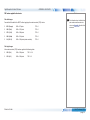
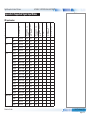
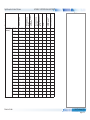
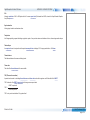
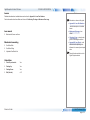
The appearance of a projected image on the screen depends on a combination of the following:
•
•
•
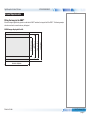
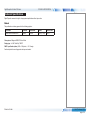
The DMD™ resolution is WUXGA with a 1920 x 1200 resolution, corresponding to an aspect ratio of 16:10
The aspect ratio of the input signal: usually 4:3, 16:9 or 16:10
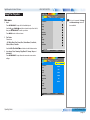
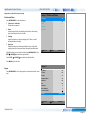
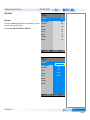
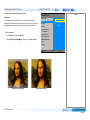
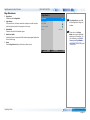
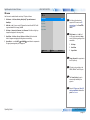
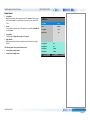
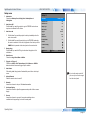
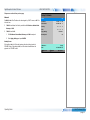
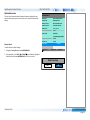
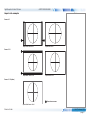
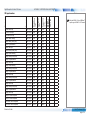
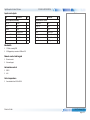
The value of the Aspect Ratio setting of the projector:
•
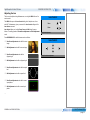
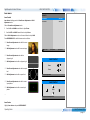
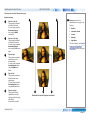
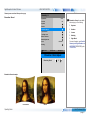
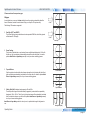
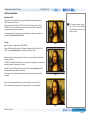
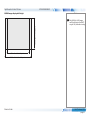
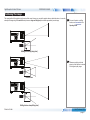
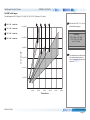
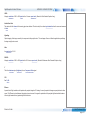
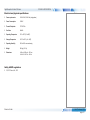
16:9, 4:3, 16:10 and 5:4 stretch the image to the selected aspect ratio. 16:9 leaves black bars at the top and bottom of the screen
(letterboxing effect); 4:3 and 5:4 leave black bars at the sides of the screen (pillarboxing).
•
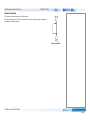
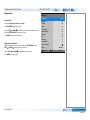
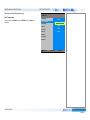
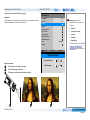
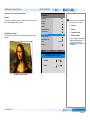
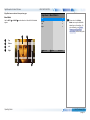
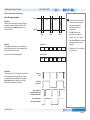
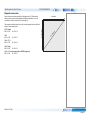
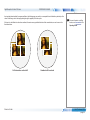
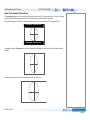
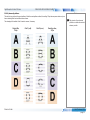
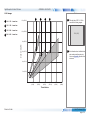
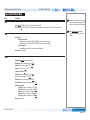
TheaterScope is a special setting used in combination with an anamorphic lens, an optional accessory. It removes letterboxing from a
•
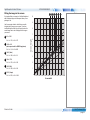
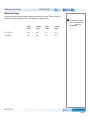
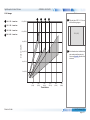
4:3 Narrow is a special setting used in combination with an anamorphic lens, an optional accessory. It squeezes 4:3 content so that the
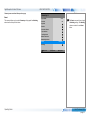
•
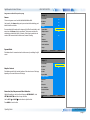
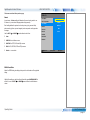
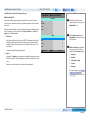
Source shows the image with its original aspect ratio, not using the whole screen if the DMD™ aspect ratio does not match. The image
2.35:1 source packed into a 16:9 frame.
intended aspect ratio is displayed on screen when projected through an anamorphic lens.
is scaled to fit either the full width or height of the screen.
Reference Guide
Rev C February 2015
page 90