1
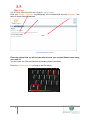
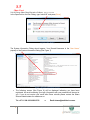
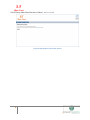
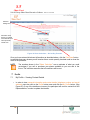
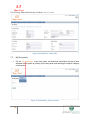
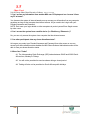
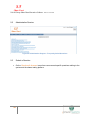
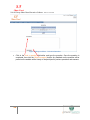
ST Share Trust N & M Group Share Based Incentive Scheme – Website User Manual 7.4 Change Password Users can click on the „Change Password‟ menu item under the Profile menu on the Home Page to change their passwords. Figure 24 Profile Menu – Change Password Enter the „Current Password‟, the „New Password‟ and „Confirm New Password‟ in the fields provided. Click on the [Ok] button to save the changes. Passwords must be at least 8 characters in length and must contain at least one number and special character or capital letter. For security purposes and to protect users from unauthorised access to their share profiles it is recommended that users change their passwords at least once a month. If users forget their password there is an „I forgot my password‟ button on the Home Page, which when clicked will e-mail the user a default password. This password must be changed immediately upon logging onto the website. 22 |