1
How to search for content
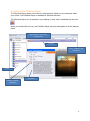
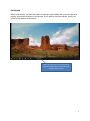
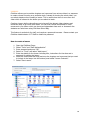
Using the Search function within the ClickView Player, you can find all videos and other
resources related to a particular search term. You can define your search by titles,
descriptions, chapter titles and resource titles.
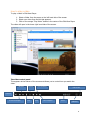
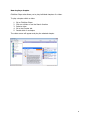
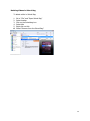
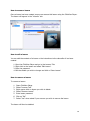
To search for a video in ClickView Player:
1.
2.
3.
4.
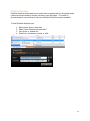
Select the “Search” tab at the top of ClickView Player.
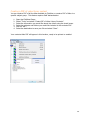
Type in the search term and select what to include in your search: Titles,
Descriptions, Chapter Titles or Resource Titles.
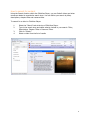
Click on “Search”.
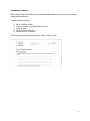
Select a video from the list of results
4