1
Searching for videos with subtitles
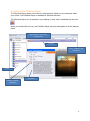
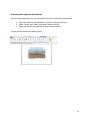
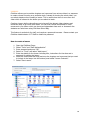
If a video has subtitles, you will see this icon in the description of the video
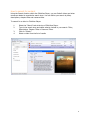
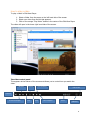
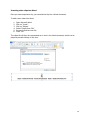
If you wish to search for videos with subtitles:
1.
2.
3.
Enter search term
Select the “With Subtitles Only” box
Click on “Search”
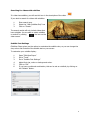
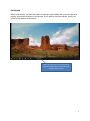
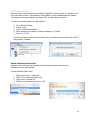
The search results will only include videos that
have subtitles. You are able to switch subtitles
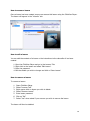
on and off by clicking
the icon on the
video screen.
Subtitle Font Settings
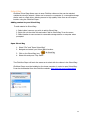
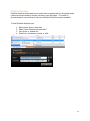
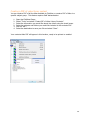
ClickView Player gives you the option to customise the subtitle view, so you can change the
size, colour and contrast of the subtitle text on your screen.
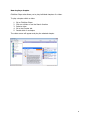
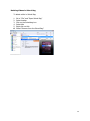
To customise your subtitle display:
1.
2.
3.
4.
5.
6.
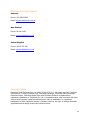
Open “ClickView Player”
Go to “Tools”
Go to “Subtitle Font Settings”
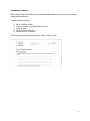
Adjust font size, colour or background colour.
Click on “OK”
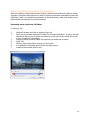
If you have a preferred combination, this can be set as a default, by clicking on
the “Default” button.
5