1
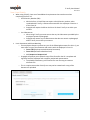
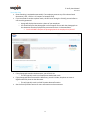
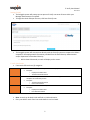
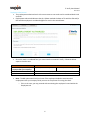
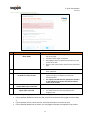
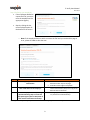
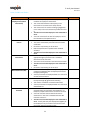
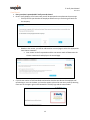
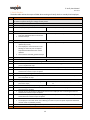
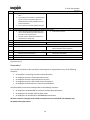
E-Verify User Manual 12.1.2014 Starting E-Verify The Snagajob system will prompt you to open an E-Verify case once all items within your Manager Review step are complete. To begin the check and open the case, click Start E-Verify now. The Snagajob system will communicate directly with the E-Verify system to compare the I-9 data entered for the employee with information provided from the Social Security Administration and/or Department of Homeland Security. o Within about 30 seconds, a result will display on the screen. E-Verify Case Results Case results fall into three (3) categories: Initial Interim Final Initial results display in E-Verify as soon as an employee’s information has been submitted Examples: o Employment Authorized o Tentative Nonconfirmation Interim results require additional action before E-Verify provides a final case result to complete the verification process Examples: o Tentative Nonconfirmation o Case in Continuance Final results mean a case is ready to be closed Examples: o Employment Authorized o Final Nonconfirmation Note: A result can be both initial and final or initial and interim. Every case MUST reach a final case result before it can be closed. 5