1
RoverLog User Manual
Tom Mayo, N1MU
06/23/14
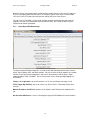
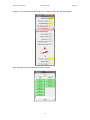
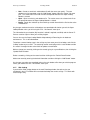
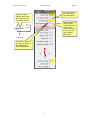
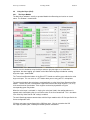
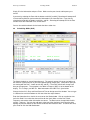
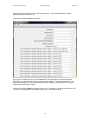
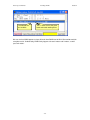
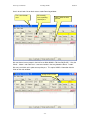
We can Pass by hitting Alt-P or by clicking the “50” button on the Station Info window.
There’s no one in
50’s queue of
people to work.
Click “50” to pass
to 6 meters.
If 50 were busy,
this timer would
show the minutes
remaining before
he’d be free again.
50 will only allow 3
people backed up
in his queue
before rejecting
further passes.
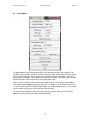
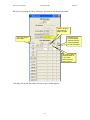
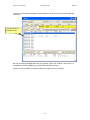
We simply click on the “50” button, and then the pass window appears.
- 51 -