Download test 3 - TRENDnet

Transcript
TEW-818DRU
TRENDnet User’s Guide
Basic
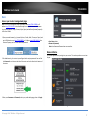
Access your router management page
Note: Your router management page URL/domain name http://TEW-818DRU or IP
address http://192.168.10.1 is accessed through the use of your Internet web browser
(e.g. Internet Explorer, Firefox, Chrome, Safari, Opera) and will be referenced frequently
in this User’s Guide.
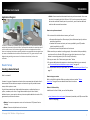
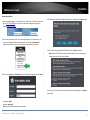
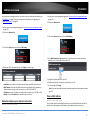
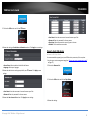
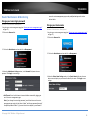
1. Open your web browser (e.g. Internet Explorer, Firefox, Safari, Chrome, or Opera) and
go to URL/domain name http://TEW-818DRU or IP address http://192.168.10.1. Your
router will prompt you for a user name and password.
• User Name: admin
• Password: (xxxxxxxx)
Note: User Name and Password are case sensitive.
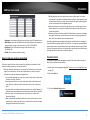
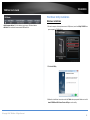
Network Status
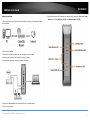
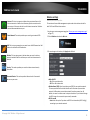
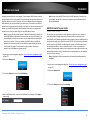
2. For added security, the router is preconfigured with a unique password. You can find
the Password on a sticker on the side of the router and on the label on the bottom of
the router.
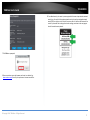
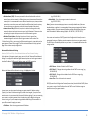
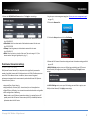
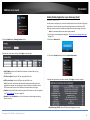
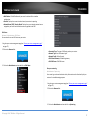
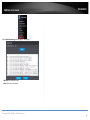
This screen appears when you login into your router. This section provides an over view
of your.
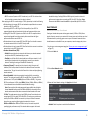
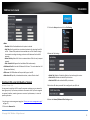
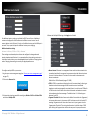
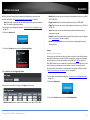
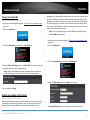
3. Enter your Username and Password, select your preferred language, then click Login.
+
© Copyright 2014 TRENDnet. All Rights Reserved.
17